How to Participate in 100D Airdrop Plan-Cheers In Metaverse


The recent SOS has received the traffic bonus from Opensea, and the number of SOS holders has reached 200,000+ in a short period of time. The MetaGrail community also had a lot of voices about events and airdrops. In order to give back to the community and users of the Binance NFT trading market, and to promote the better development of the MetaGrail community, everyone is welcome to participate in the "100D Airdrop Plan- Cheers In Metaverse" event.
Activity time:
January 1, 2022 - April 10, 2022
Participation rules:
Users join the event through the official website "100D Airdrop Plan- Cheers In Metaverse" Banner, link the wallet, click to browse the hot spots of the day, and then click to participate in the event. Users can check the number of participants and earnings of the day's activities at 09:30 US Eastern Time every day.
Activity Award:
A total of 11.52 billion Grail token rewards, and 115.2 million token rewards can be shared daily. The rewards will be claimed by the users themselves after the 100-day event ends.
Event reward calculation rules:
Daily event rewards = total daily event rewards of 115.2 million / number of event participants on that day
Activity Tutorial:
1: Before participating in the activity, please first set the wallet network as the "Binance Smart Chain" main network, and pre-deposit some BNB as network fees.
2: The user openshttps://metagrail.io, click the activity banner to enter the activity interface
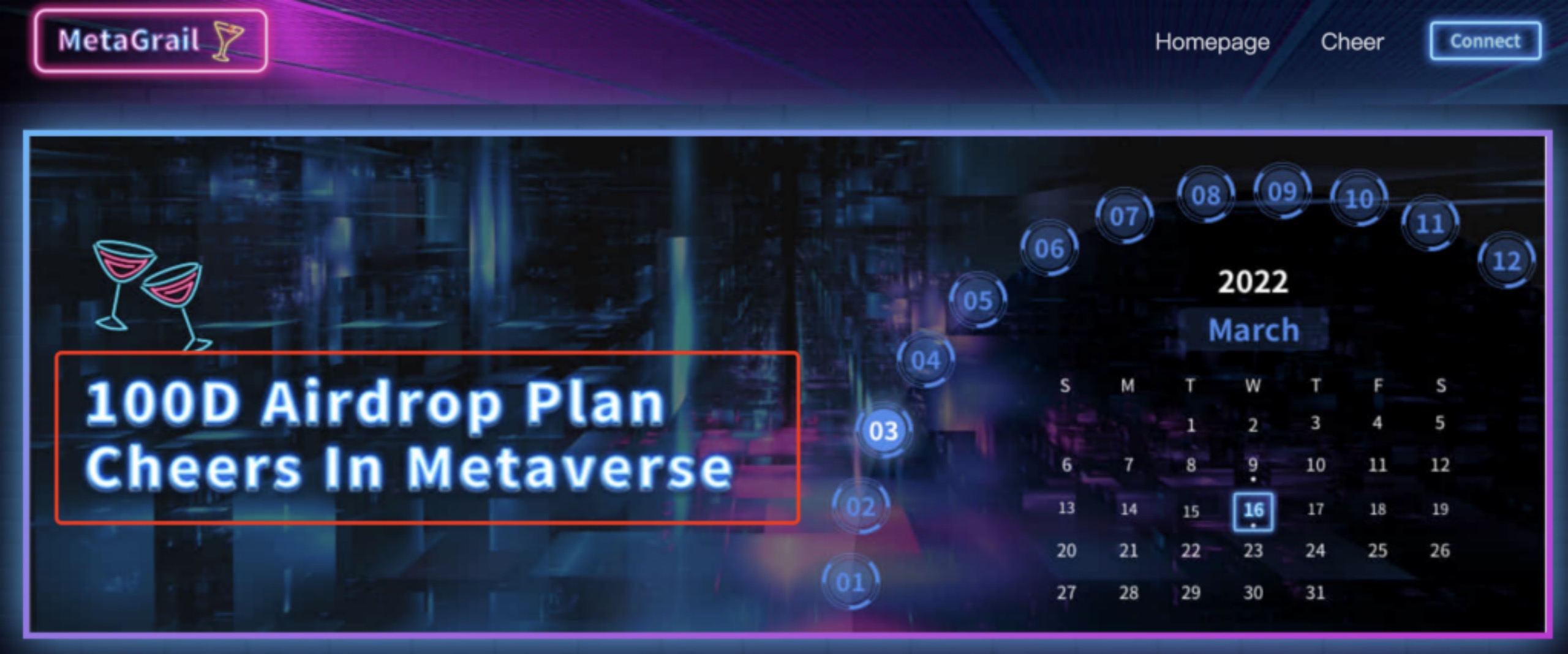
3: Select the activity date you can participate in and click to enter. (If the display interface has no interface to participate in the activity, the user can choose other months)
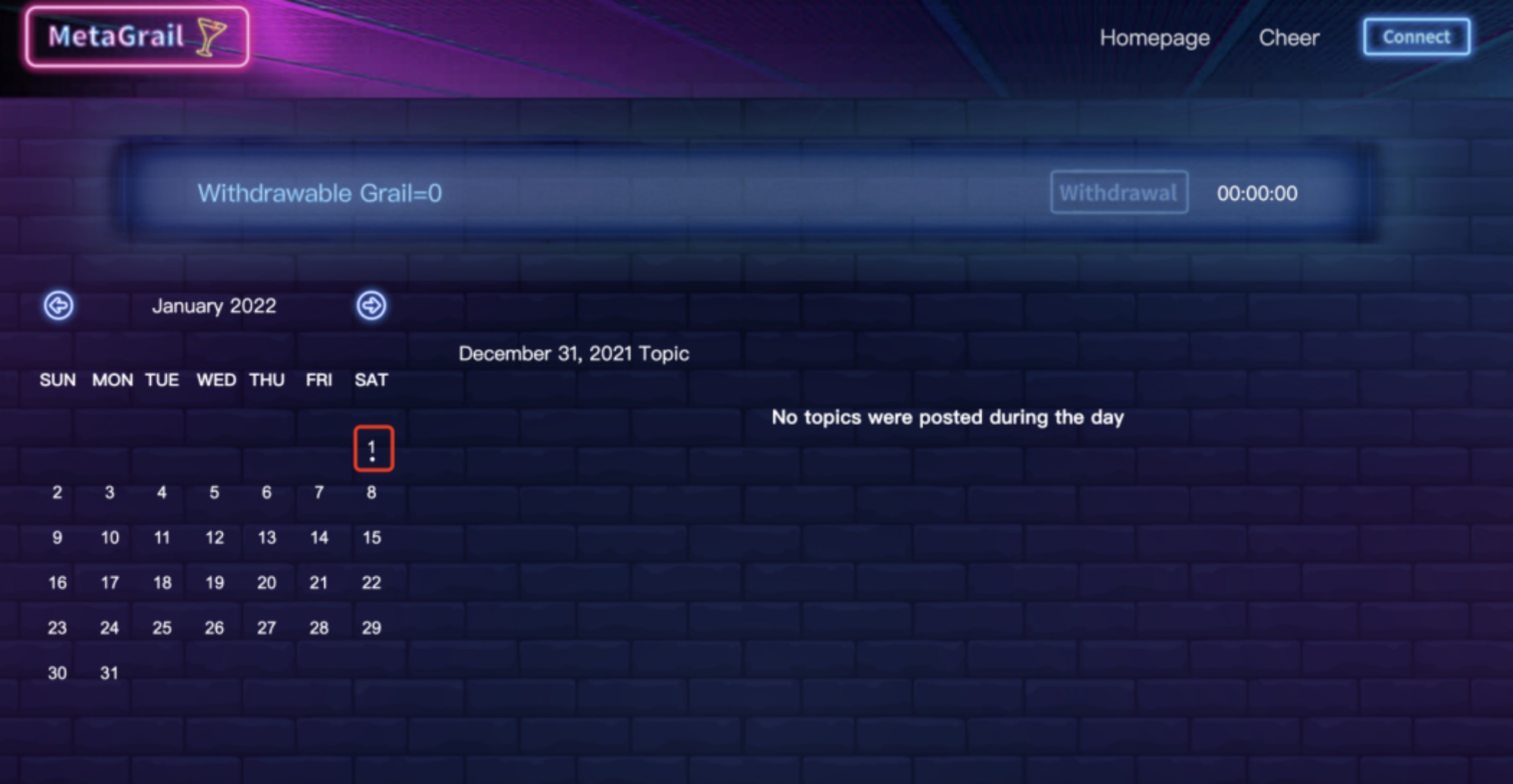
4: After the user clicks, the hot spot of the day will appear on the right side, and after browsing, click the "join" button at the bottom
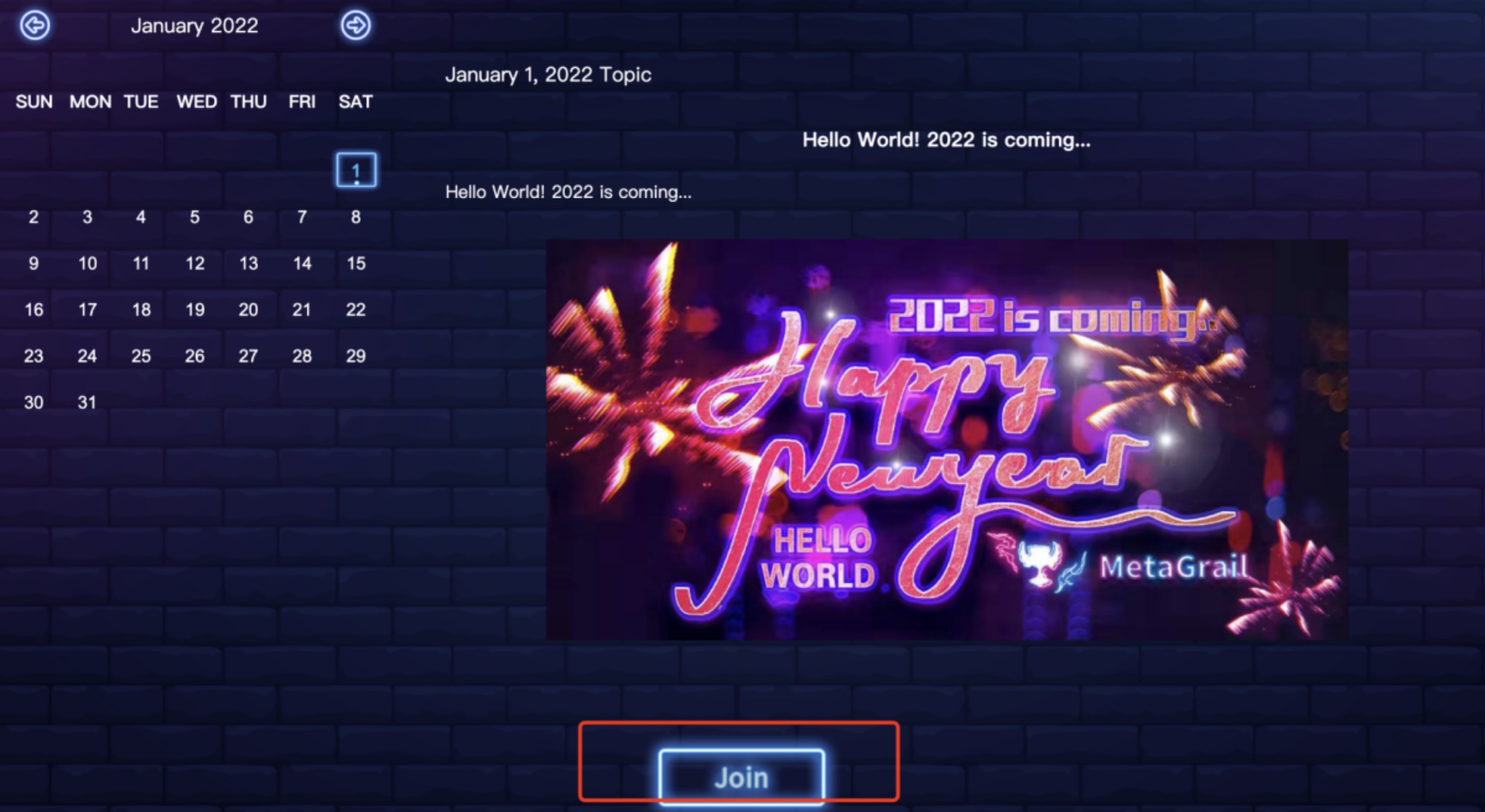
5: Freely choose the linked wallet
6: After submitting the wallet authorization confirmation. "Join" becomes "Time remaining" means the participation is successful
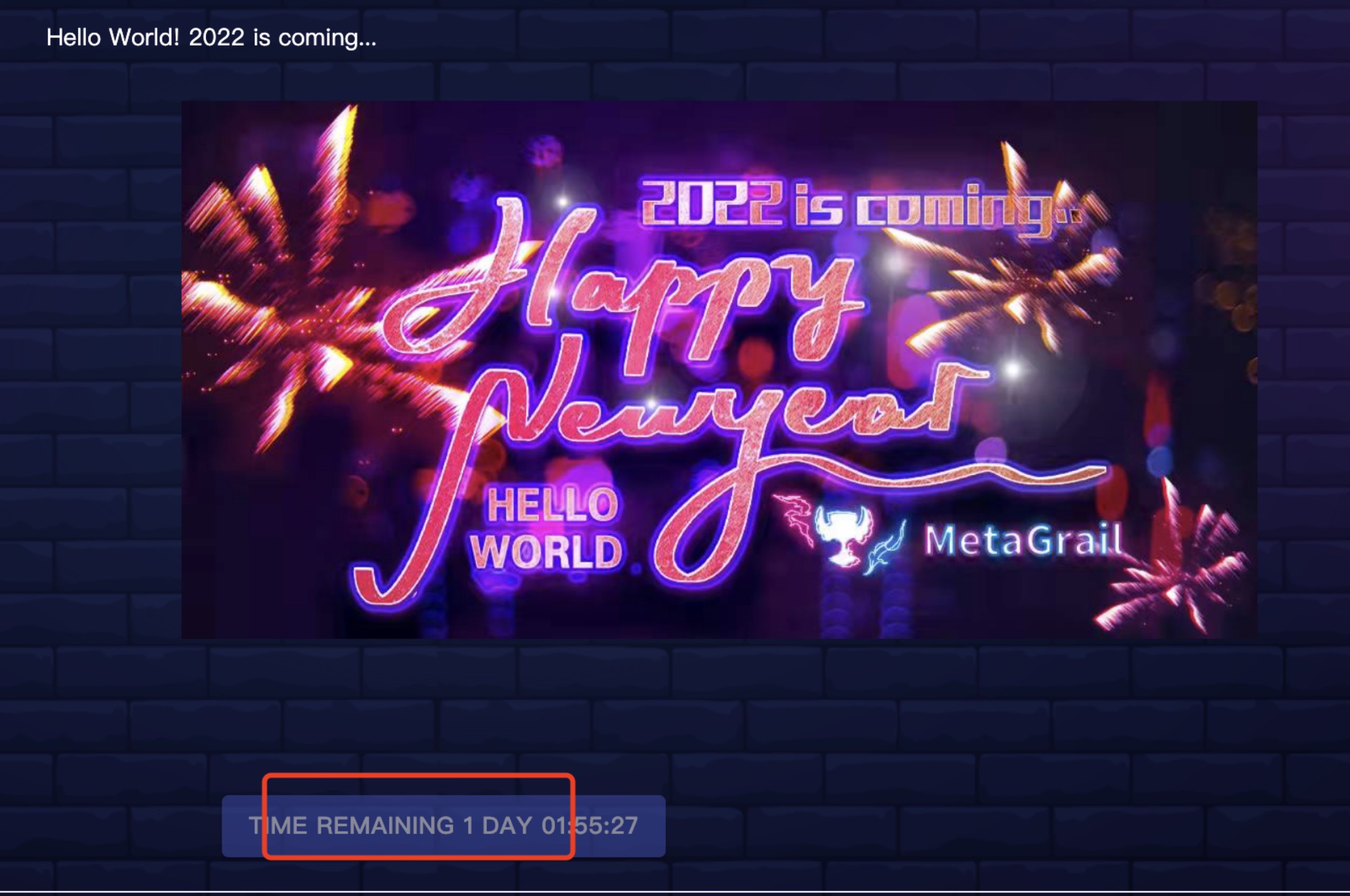
7: After successful participation, users can check the number of participants and the event rewards obtained on the previous day at 10:30 EST on the next day.
The rewards will be collected by the user through the location shown in the icon after the event ends.