



Roam eSIM User Guide: Enjoy free data around the world and connect without boundaries


With the development of globalization, travelers, international students, international workers, etc. have a growing demand for convenient mobile data services. Roam eSIM is the latest product launched by Roam, which aims to provide users with a solution to avoid high roaming charges and make global connections easier. Through this detailed tutorial, you will learn the core functions of Roam eSIM, how to activate it, and how to get unlimited free international traffic.
1. What is Roam eSIM?
Roam eSIM is a virtual SIM card that can be easily activated through the Roam app. Users do not need to purchase a physical SIM card or pay additional international roaming fees. It provides a convenient and efficient connection experience for global travelers and supports roaming services in more than 190 regions around the world. Users can get free traffic by signing in to Wi-Fi hotspots, completing tasks or other methods, achieving truly seamless global connectivity.
2. How to apply for and activate Roam eSIM?
1. Download and register the Roam app from AppStore, GooglePlay or the link below. If you have already downloaded the Roam app, you need to update it to the latest version.
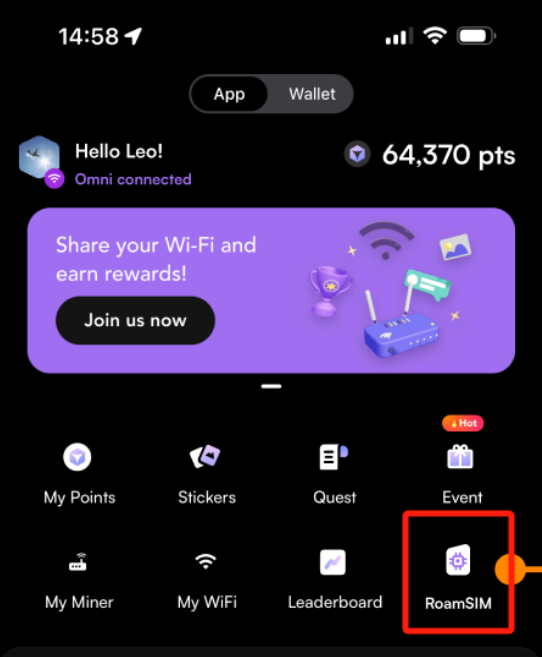
2. On the Roam app homepage, click "Roam eSIM" to claim it.
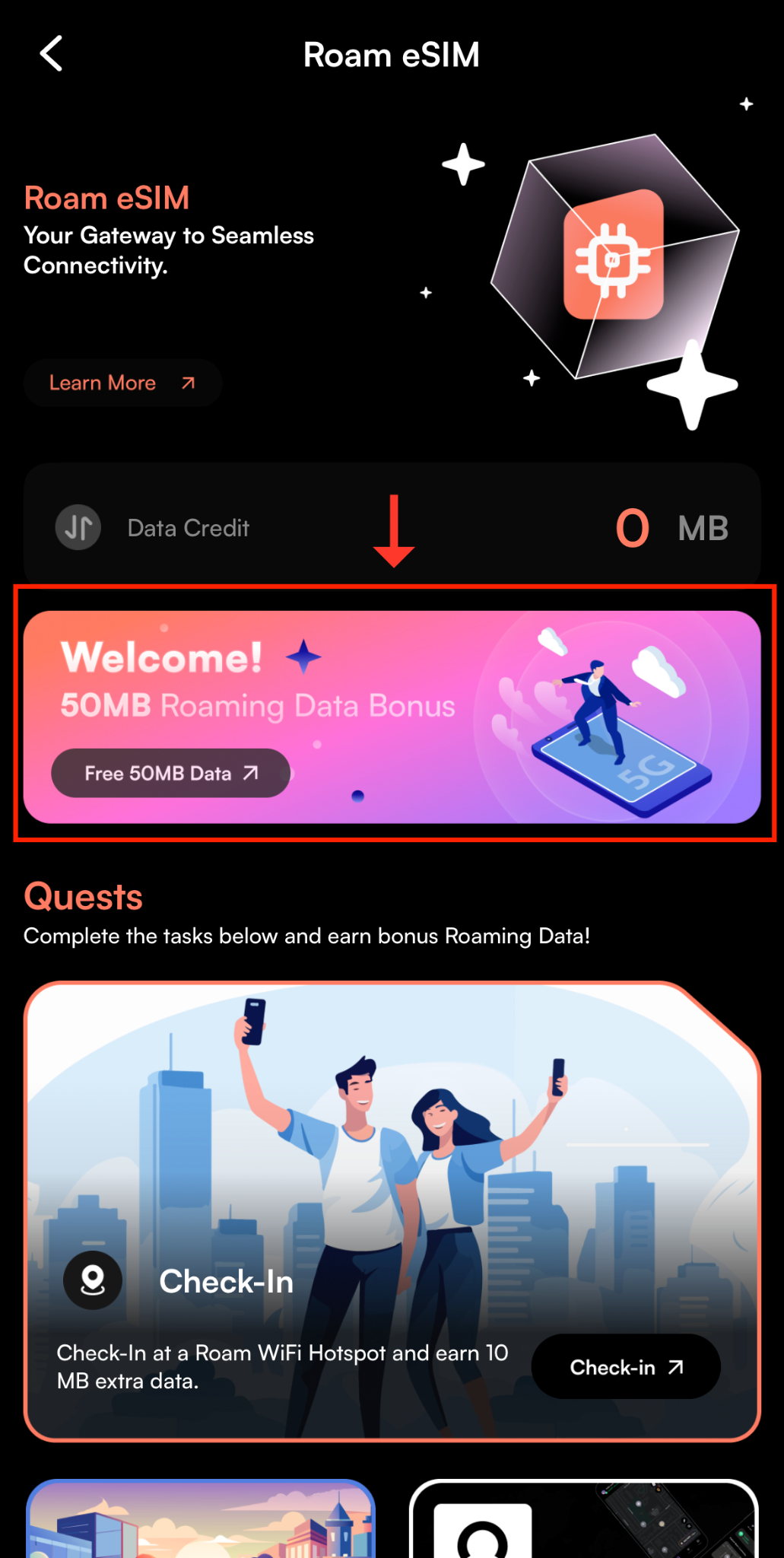
2. On the new pop-up page, click the banner shown in the picture below.
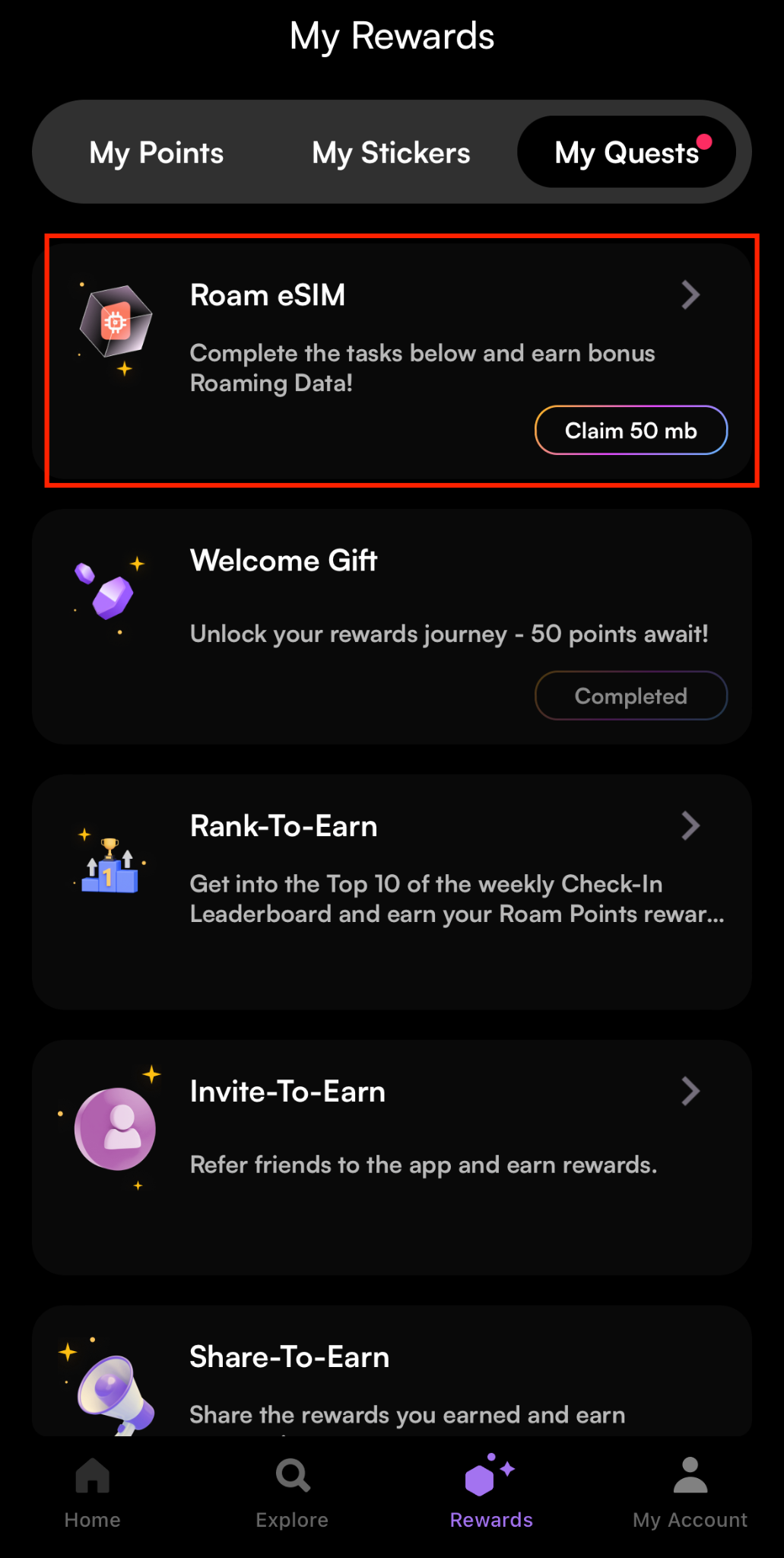
3. Click "Claim 50 mb" under Roam eSIM on the new pop-up page.
4. Click “Approve” to agree to receive it.

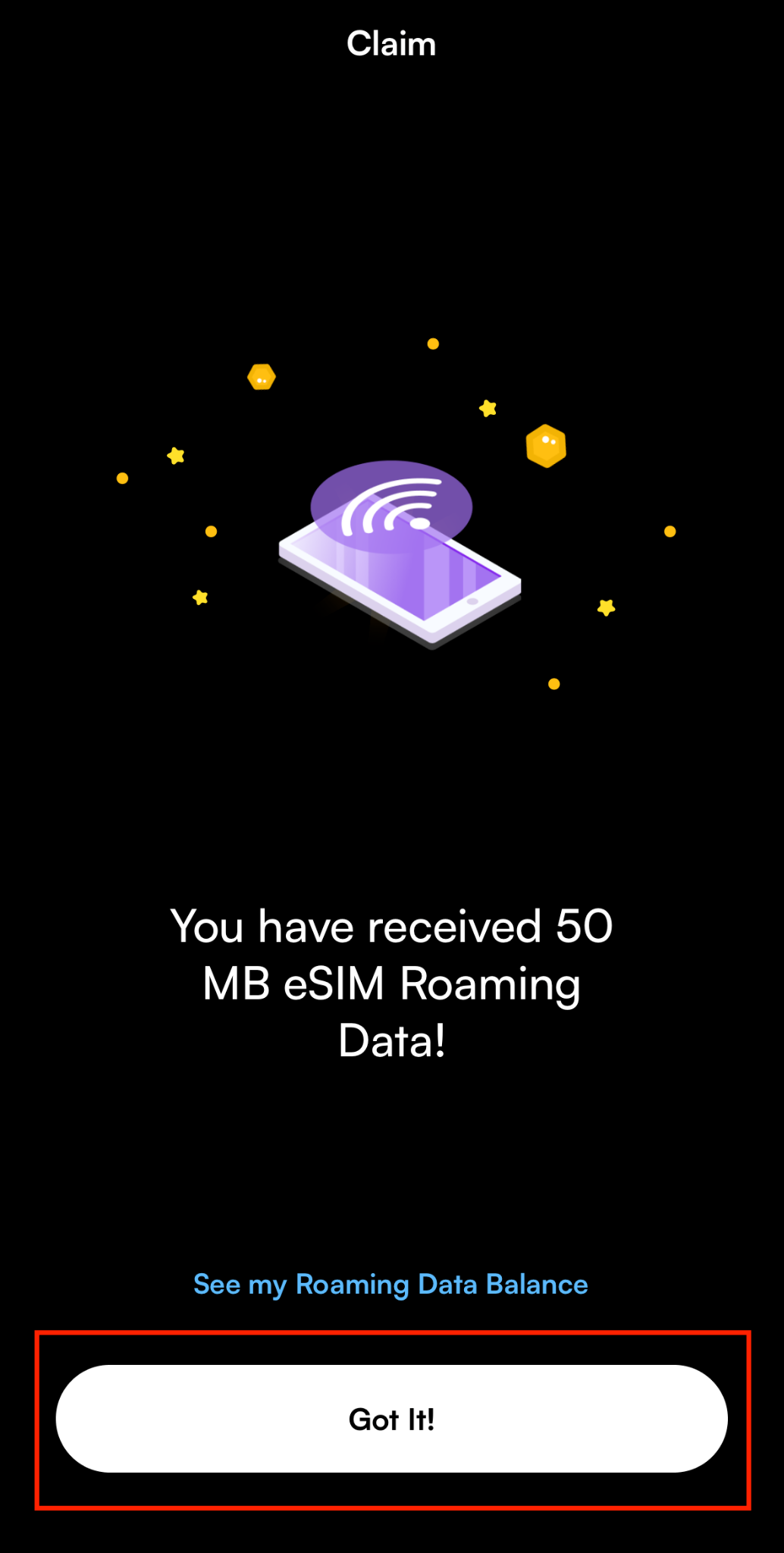
5. When it shows that the receipt is successful, click "Got it" to return to the Roam eSIM page.
3. How to get free data by adding hotspots/checking in
1. On the Roam app homepage, click "Roam eSIM" to enter the page.
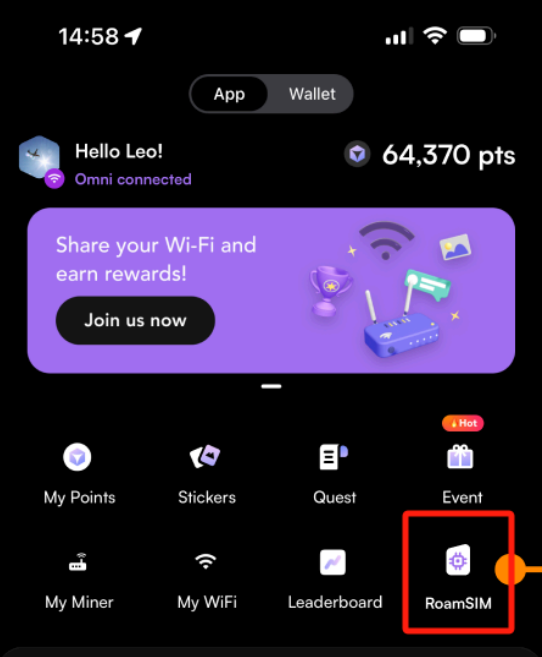
2. Click “Check-in”.
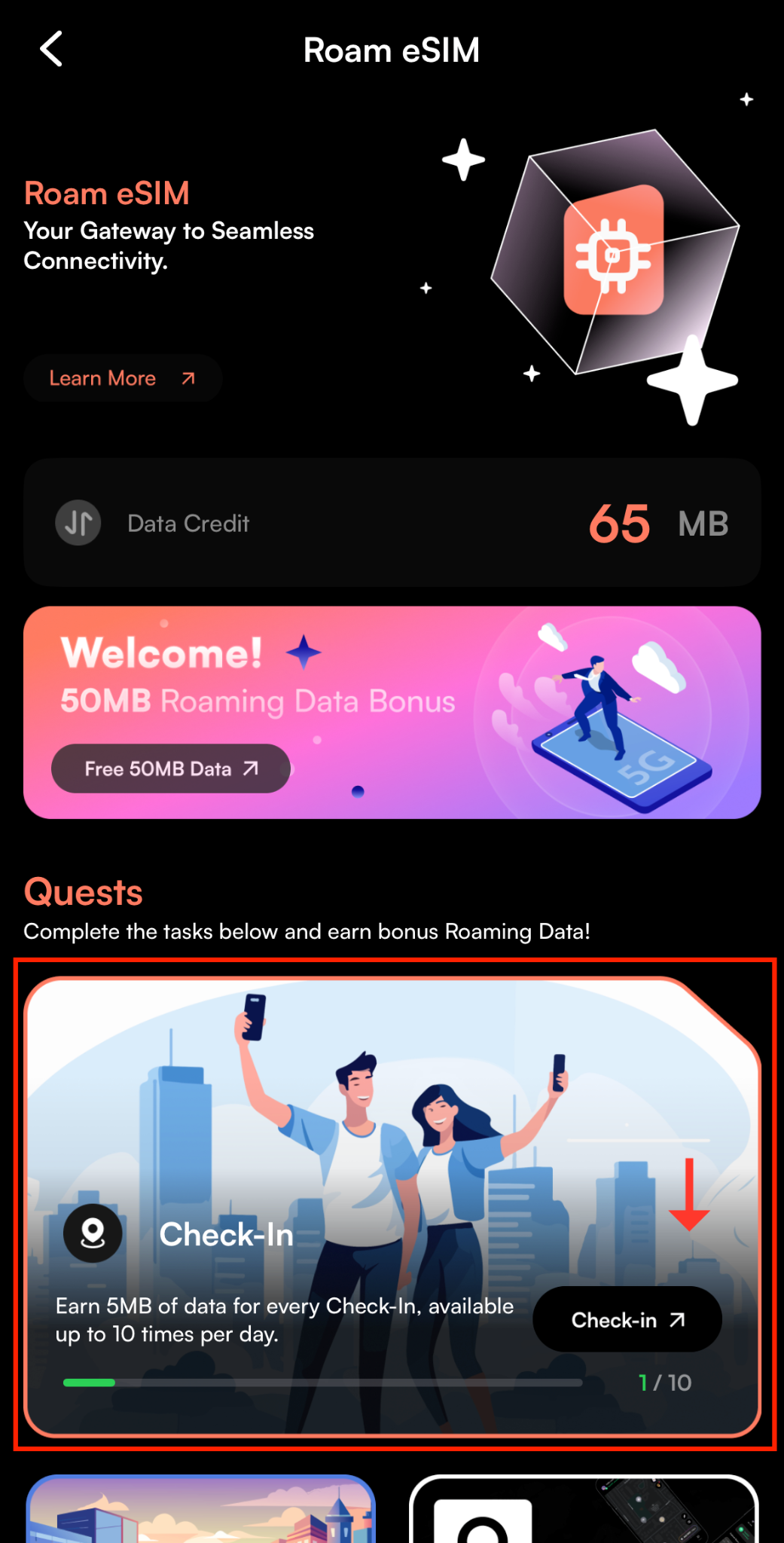
You can only claim 10 traffic through Check-in per day, and the remaining number can be checked on the Check-in banner.
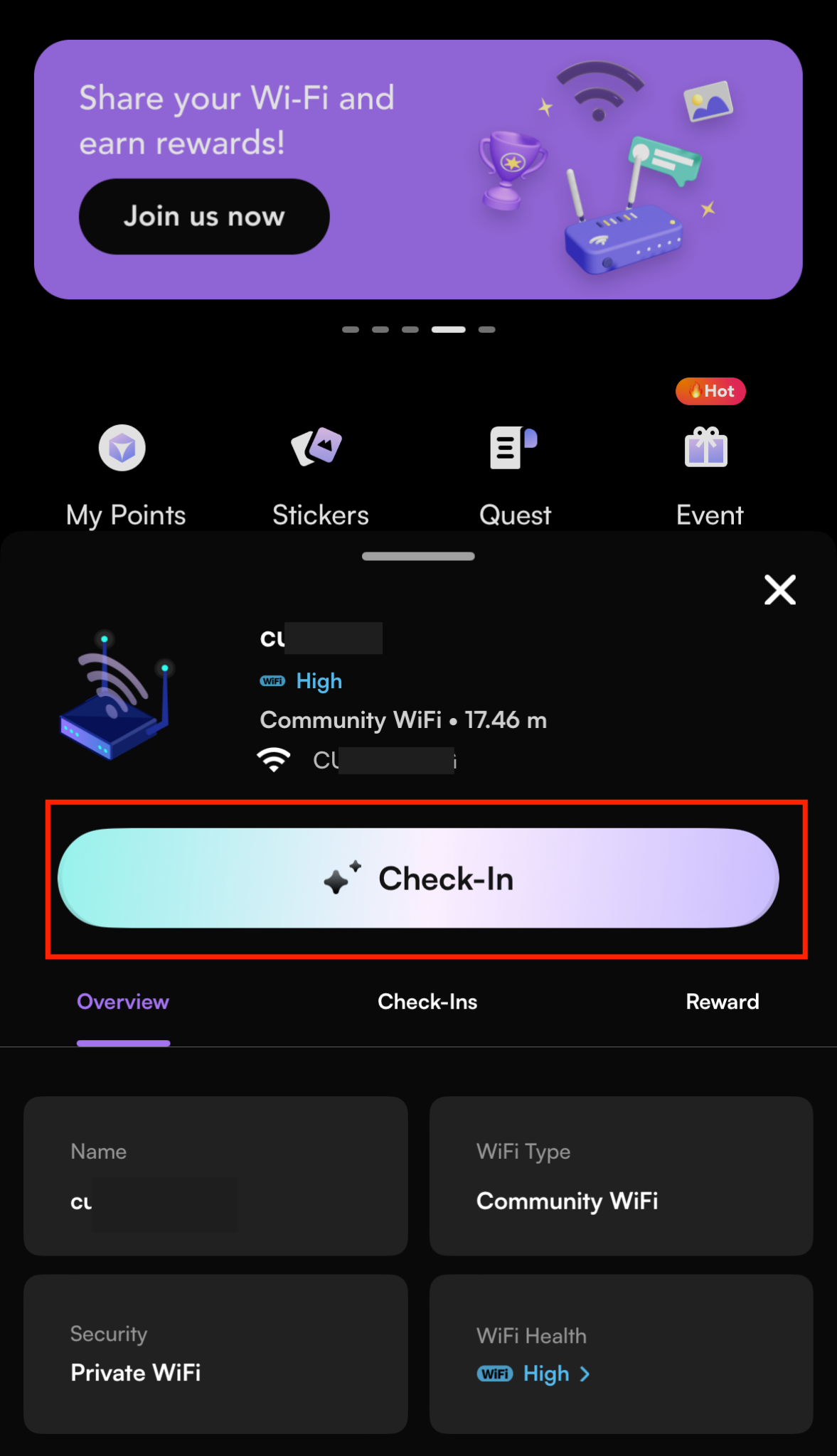
3. Click “Check-in” on the newly redirected page to confirm.
4. After confirming that your personal information is correct, click "Confirm".
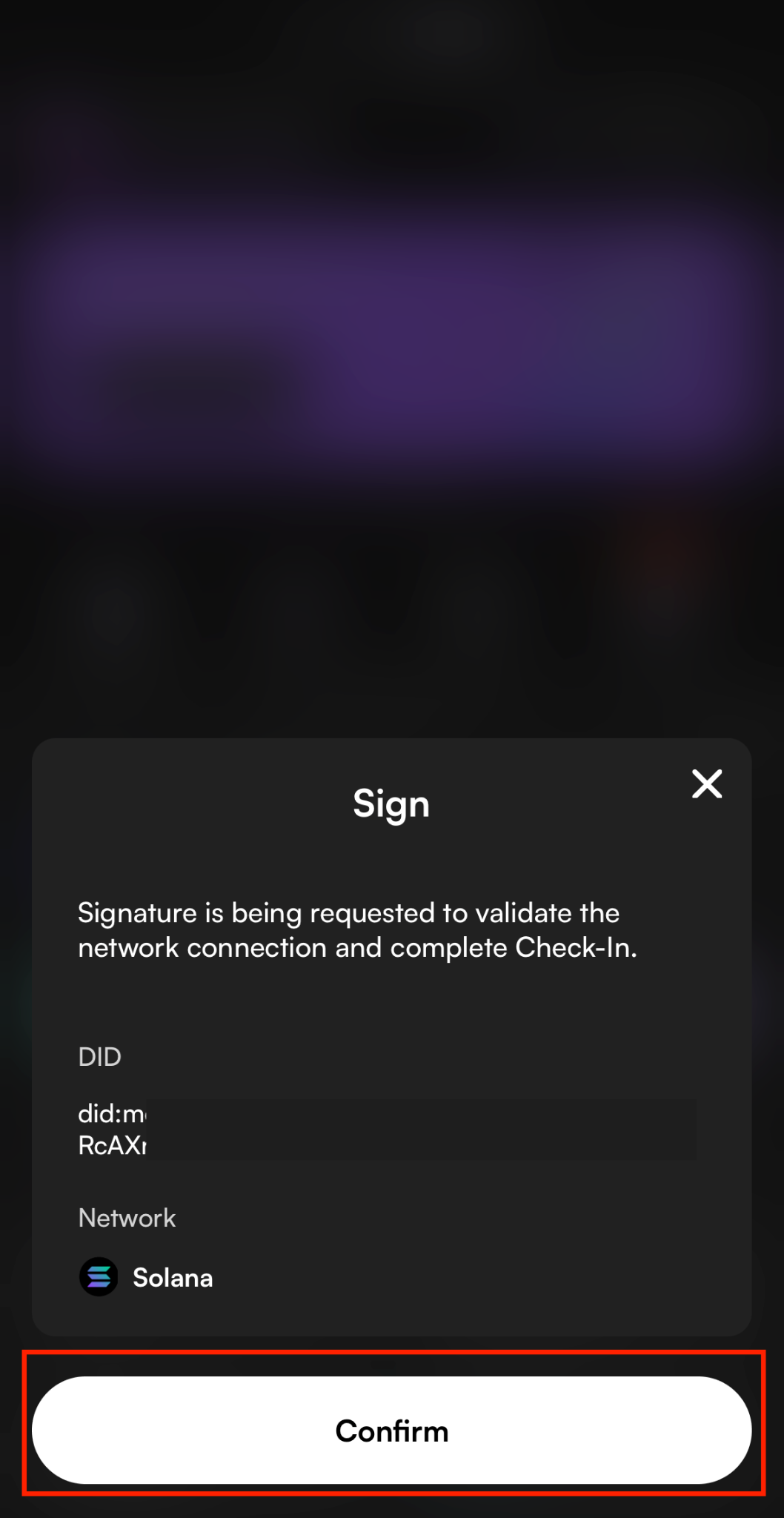
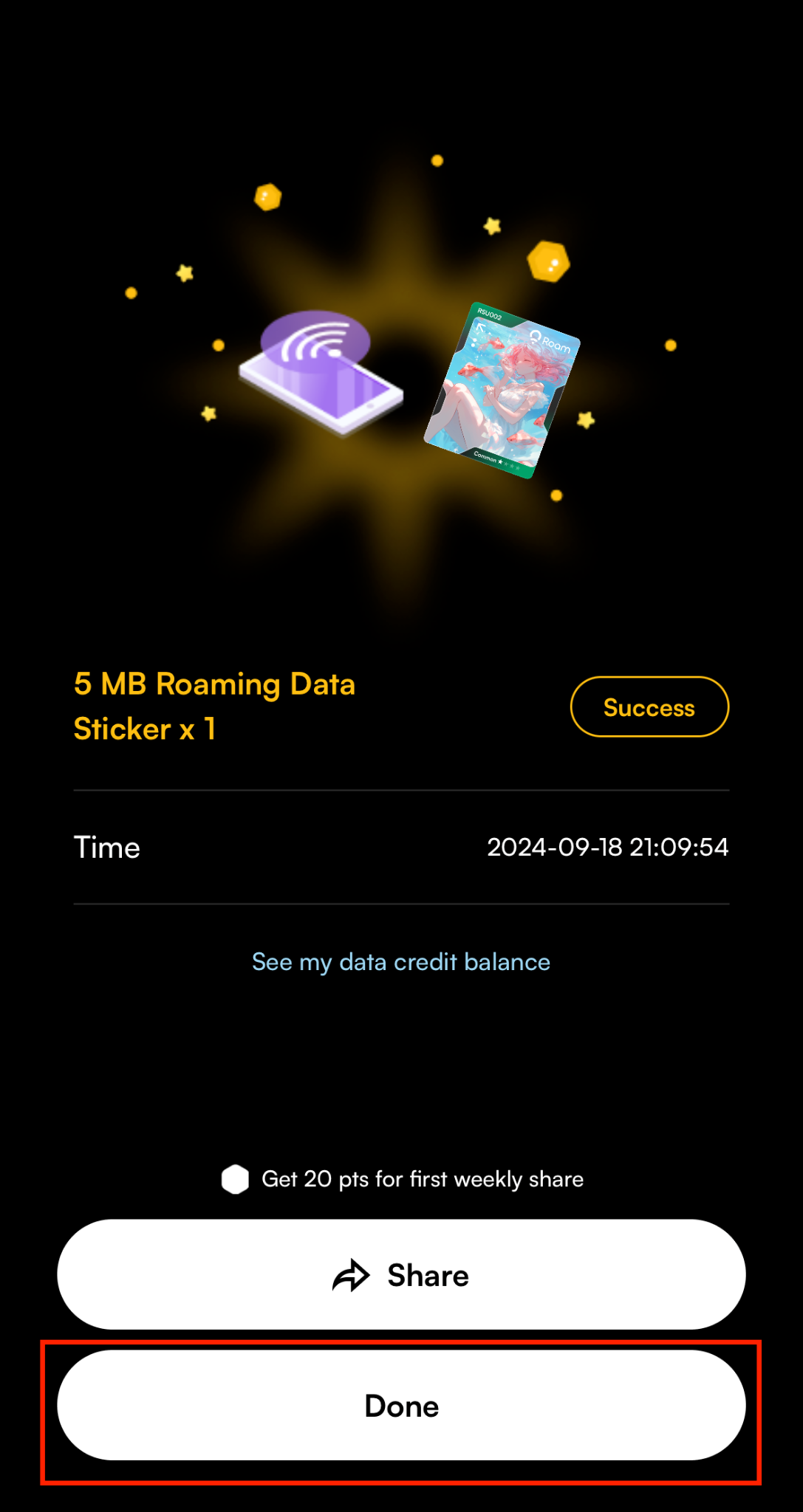
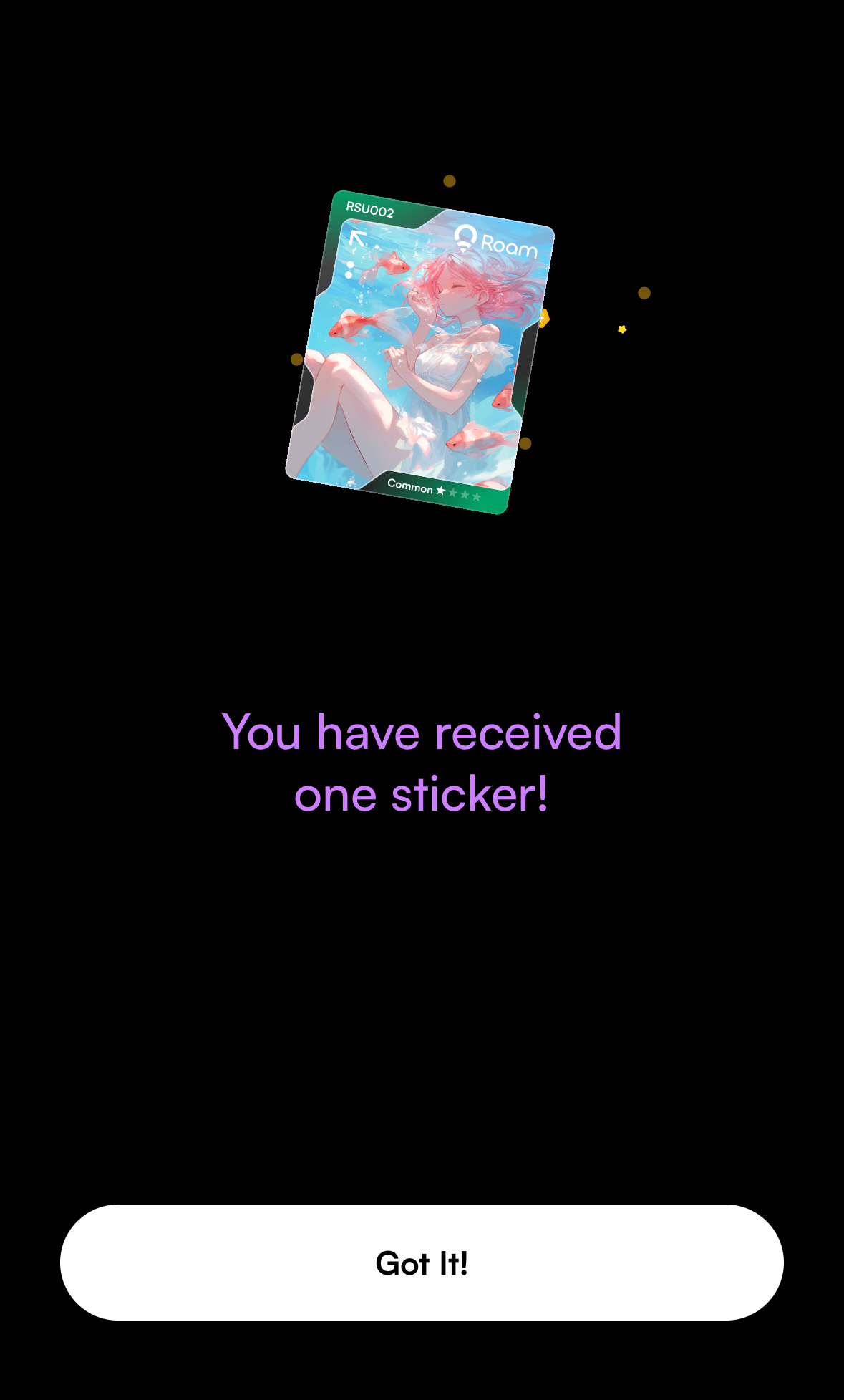
5. You can get a sticker every time you check in. Click "Got it" after receiving it.
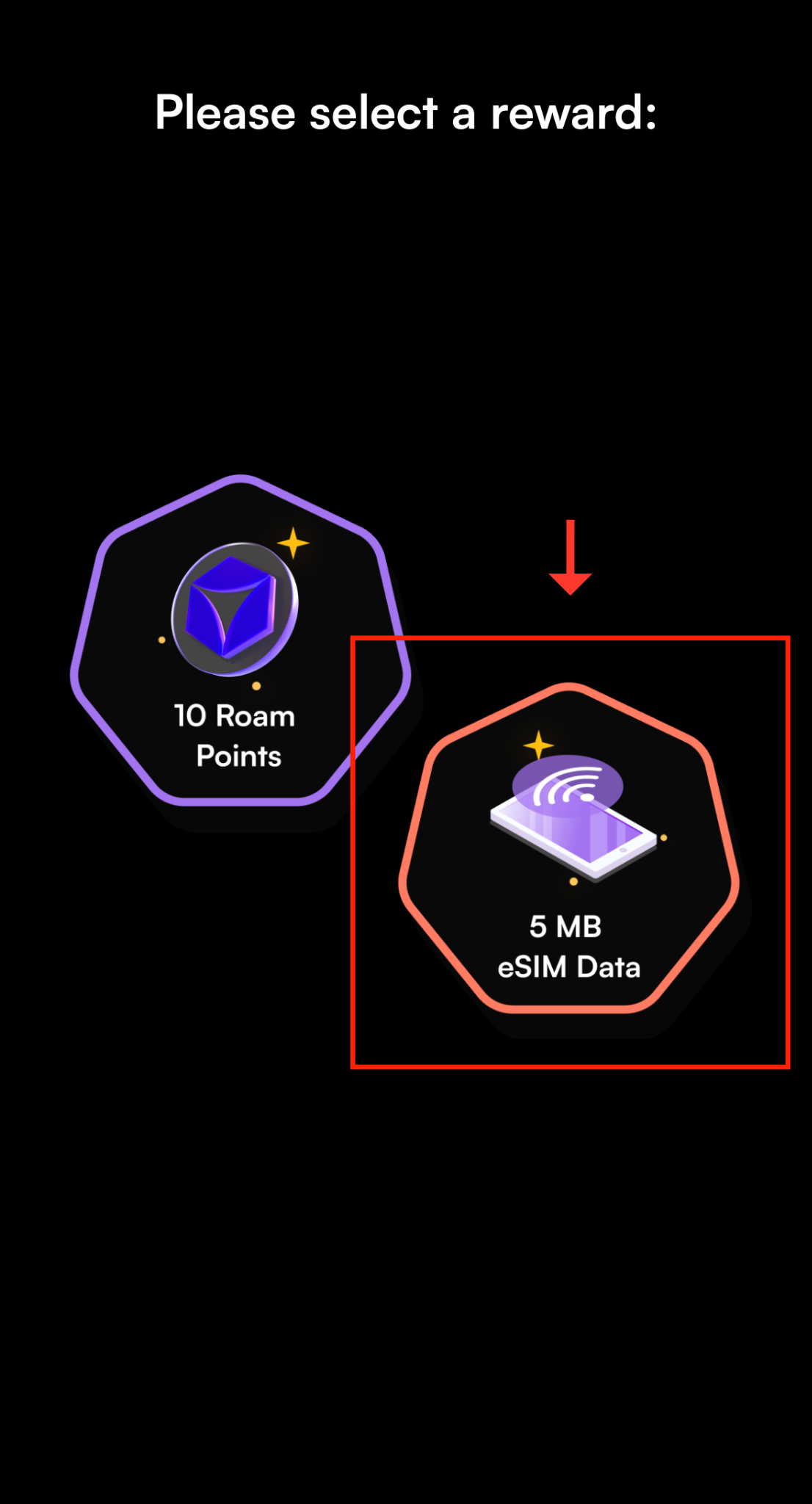
6. On the new page, select to receive “5 MB” free traffic.
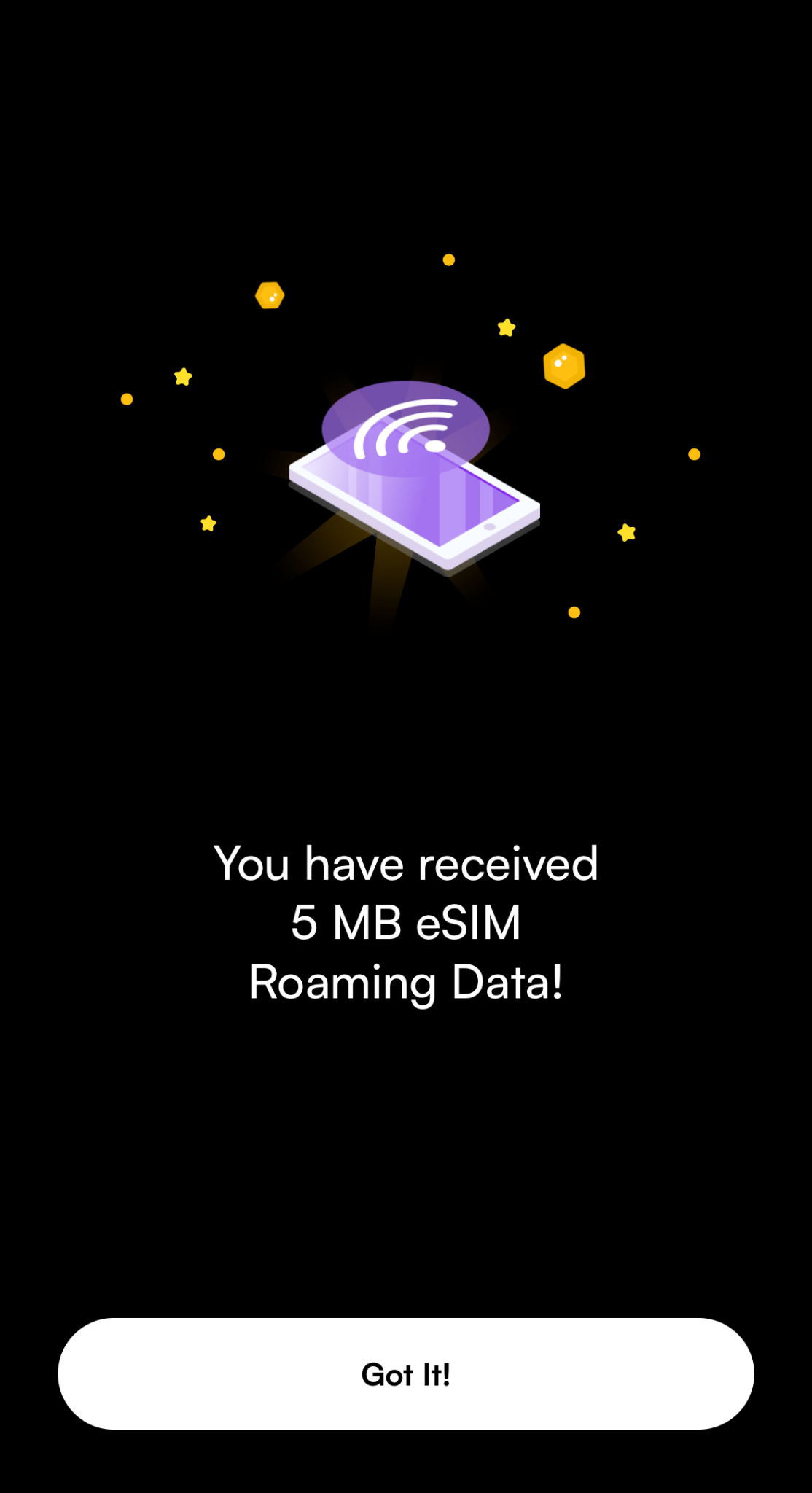
7. Click “Got it” to confirm.
8. Click “share” to get another 20 Roam Points. Click “Done” to return.