Graphic Tutorial: Learn how to use IBC transfer to receive Evmos airdrops in three minutes



Starting from March 4, Beijing time, Evmos airdrops, the EVM compatible chain of the Cosmos ecology, have been opened for collection. However, since the official collection channel has not yet been opened, many friends are asking how to get their own airdrops. Don't worry, this tutorial will help you achieve this goal.
Note: To receive the Evmos airdrop, you must first prepare a Keplr wallet. If you are already a user of the Cosmos ecosystem, you can skip this step directly, but if you are new to the Cosmos ecosystem, you need to visit https:/ /www.keplr.app/ and install the Keplr browser wallet, the subsequent mnemonic and password setting process are no different from Ethereum’s Metamask wallet.
How can I get Evmos airdrops if I am a Cosmos user
After preparing the wallet, visit https://gotrekt.com/mission-control, connect the wallet to add the Evmos (Beta) network, and then you need to copy your evmos address, as shown in the figure:
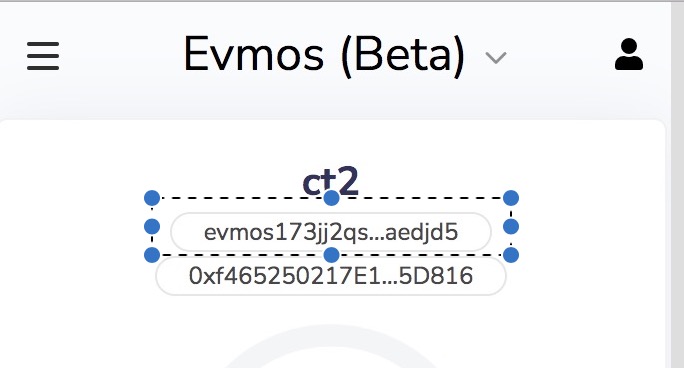
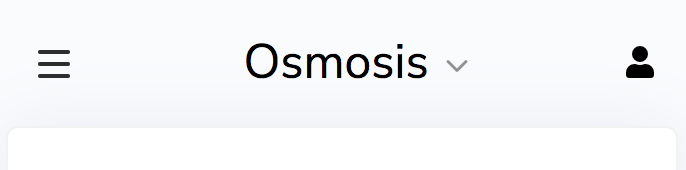
After copying the address and saving it, switch the wallet to the Osmosis network, as shown in the figure below:
Then find the IBC Transfer button and click:
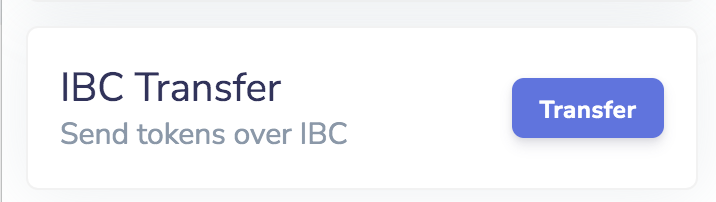
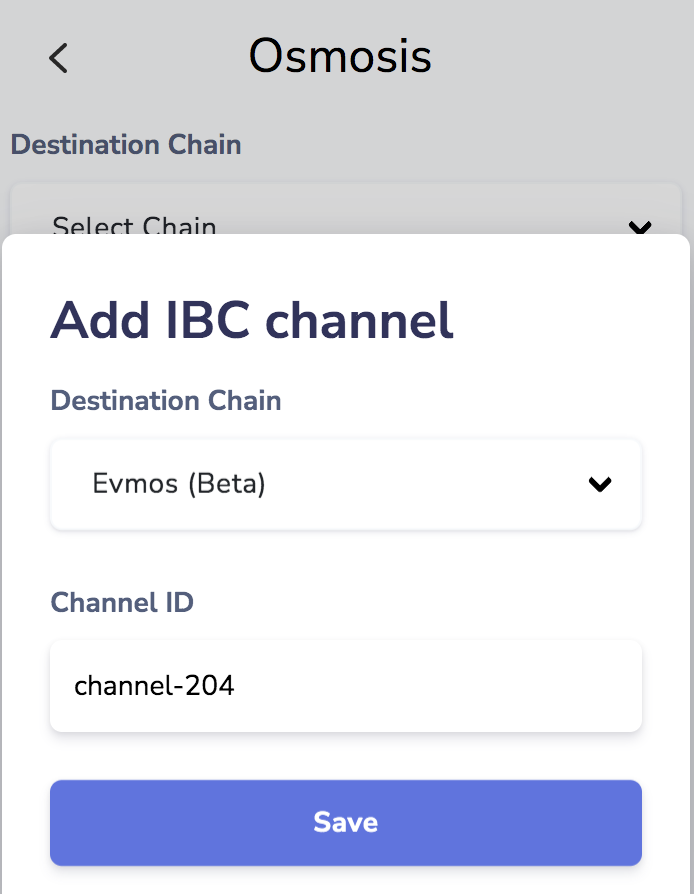
After selecting Evmos (Beta) as the target chain, enter channel-204 in the Channel ID column, and then click the Save button to save.
Then select the configured Evmos (Beta), and enter the Evmos address just copied and saved.
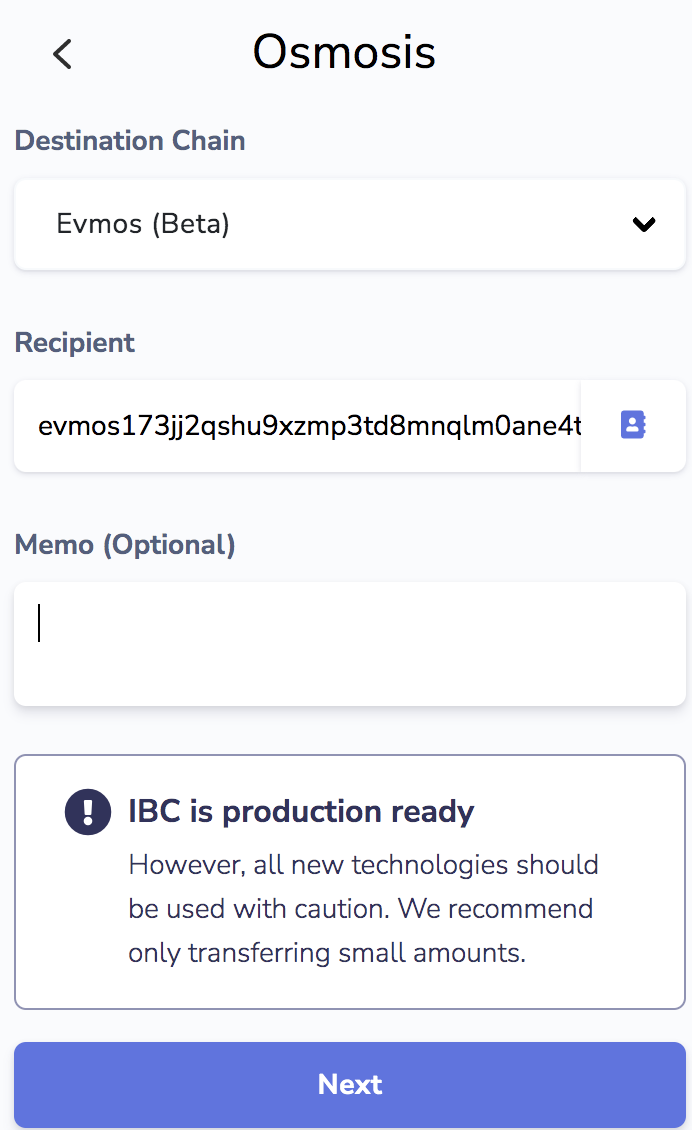
Ignore the Memo column and click Next to enter the next step:
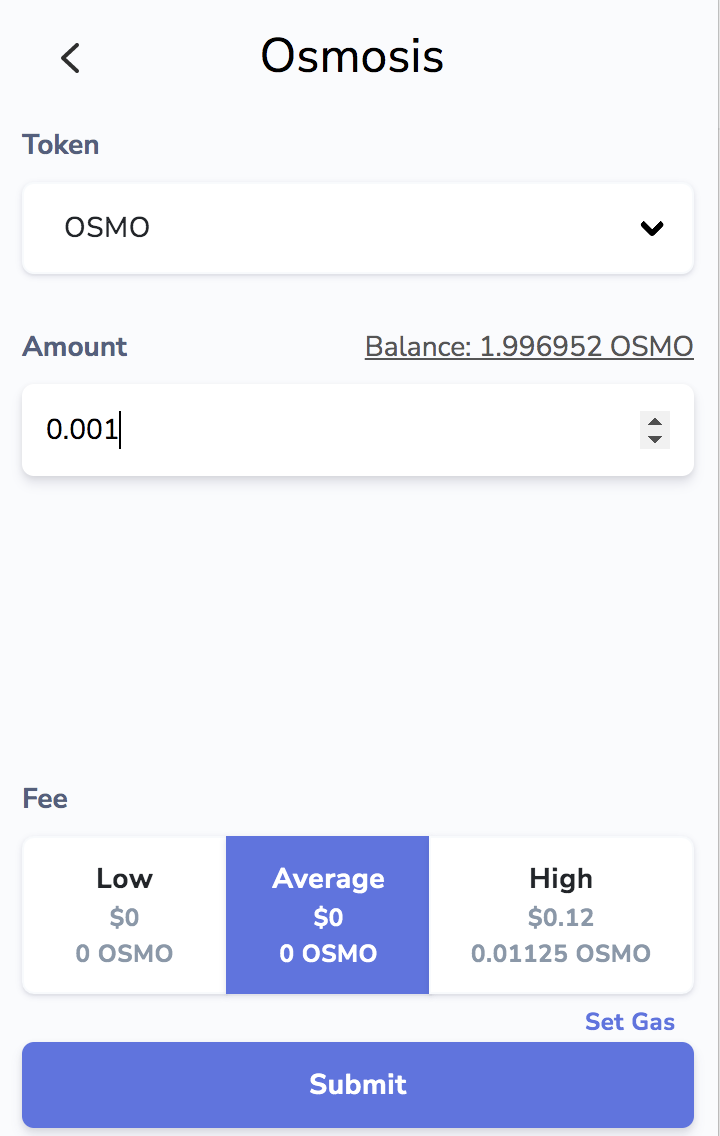
Finally, enter the amount of IBC transfer (the amount can be very small), and the default handling fee is zero, then click Submit for confirmation.
After completing this step, your evmos wallet has received the first airdrop (accounting for 25%), and next, we need to unlock the rest of the airdrop. Since the Keplr wallet pledge will temporarily report an error, we can visit https: //evmos.disperze.network/, and then complete node pledge and proposal voting operations.
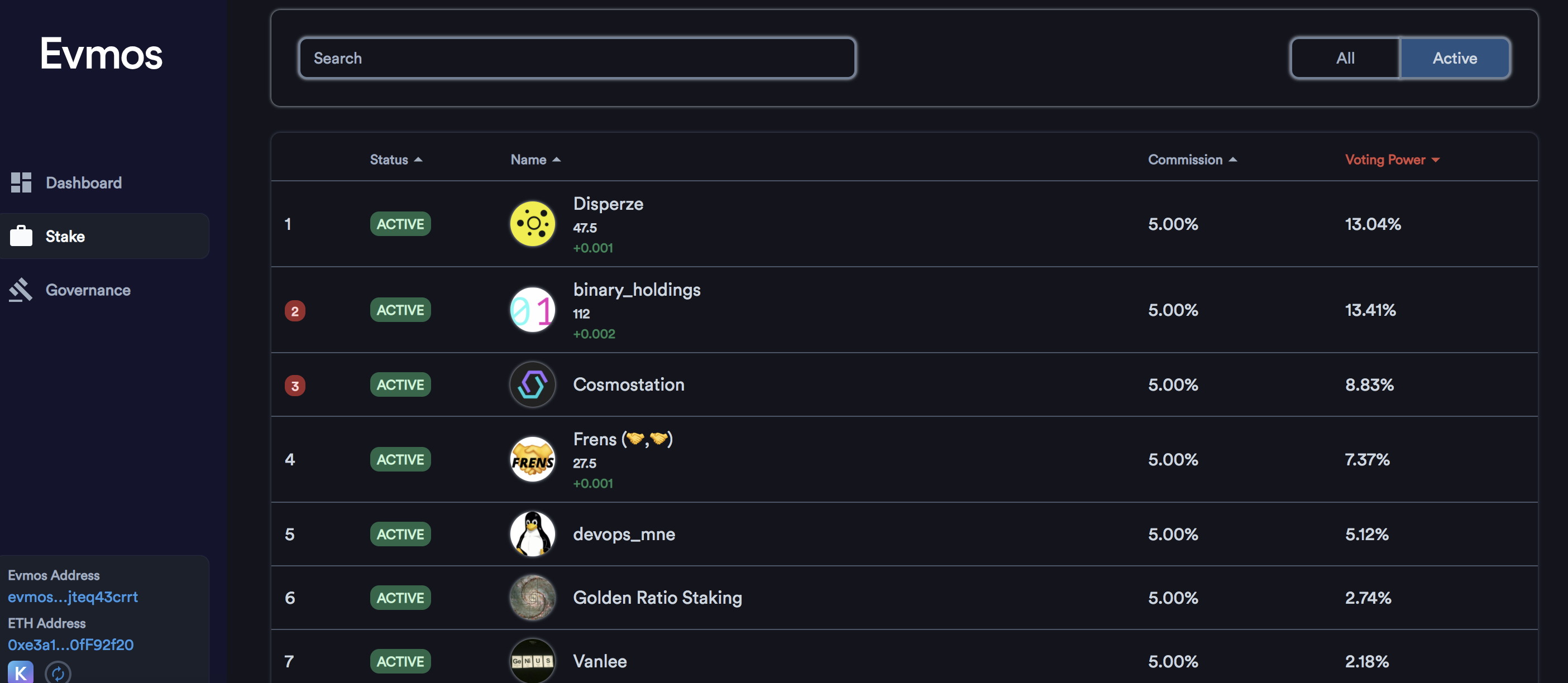
After the pledge and voting operations are completed, we will unlock 75% of the airdrops, and the last 25% will be unlocked after some applications go online and interact.
Note that the above airdrop claim guide is applicable to users of the Cosmos ecosystem, so assuming your Metamask Ethereum wallet is also eligible for airdrops, how to claim it?
How can I get Evmos airdrops if I am an Ethereum user
One method is to import the mnemonic words of the Metamask wallet into the Keplr wallet, and then repeat the above steps. However, this method may be more risky, so I personally do not recommend it. The following is another method adopted by the author.
Visit https://evmos.disperze.network/, connect Metamask wallet, and copy your evmos address in the lower left corner of the page:
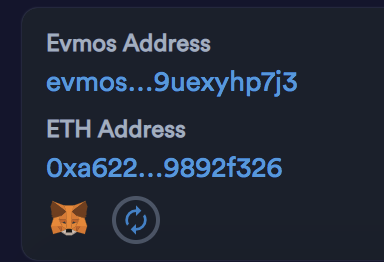
Fill in this address as the target address of the IBC transfer, and the other steps are consistent with the operation process of Cosmos users (but it should be noted that many Ethereum users do not have osmo tokens, and they may need someone to transfer them a little as an IBC operation funds).
After completing the IBC transfer, return to https://evmos.disperze.network/ to receive the first Evmos airdrop. Subsequent operations are also consistent with the operation procedures of Cosmos users.
The above are all the steps to manually receive the Evmos airdrop through IBC transfer. If you think it is too troublesome, you can also wait for the official opening of the airdrop collection channel, then you can save the troublesome IBC operation process.