How to Use Claude and Other AI Agents to Call the Arkham API

이 기사는 약 894자로, 전체를 읽는 데 약 2분이 소요됩니다
We have just released a new section of the API documentation. It helps you connect Claude directly to Arkham's on-chain intelligence system without writing any code.

AI 요약
펼치기


- Core Insight: This article provides a comprehensive technical guide, instructing users on how to build an MCP server in 5 steps by integrating the Arkham API with Claude Desktop, enabling real-time on-chain data queries and automated operations.
- Key Elements:
- Step-by-step process: Download Claude Desktop and generate an API key → Paste the setup prompt to auto-generate the MCP server file → Install dependencies and configure the JSON connection → Create a project and import the API reference file → Ask questions directly to get real-time data.
- Core Technology: Utilize the MCP protocol to integrate the Arkham API as an external tool into Claude, install dependencies using `pip install mcp requests`, and use `intel.arkm.com/llms.txt` to provide complete, updated API context.
- Application Examples: Can build trading bots to guide heuristic algorithms, implement automated fraud detection and transaction monitoring, and integrate Arkham entity tags into KYC systems.
- Data Capabilities: Supports querying complex questions like “Top 10 counterparties by transaction volume over the past 7 days for Binance's Ethereum hot wallet”. Claude will display the specific endpoint and return real-time results.
调用 API 完整步骤
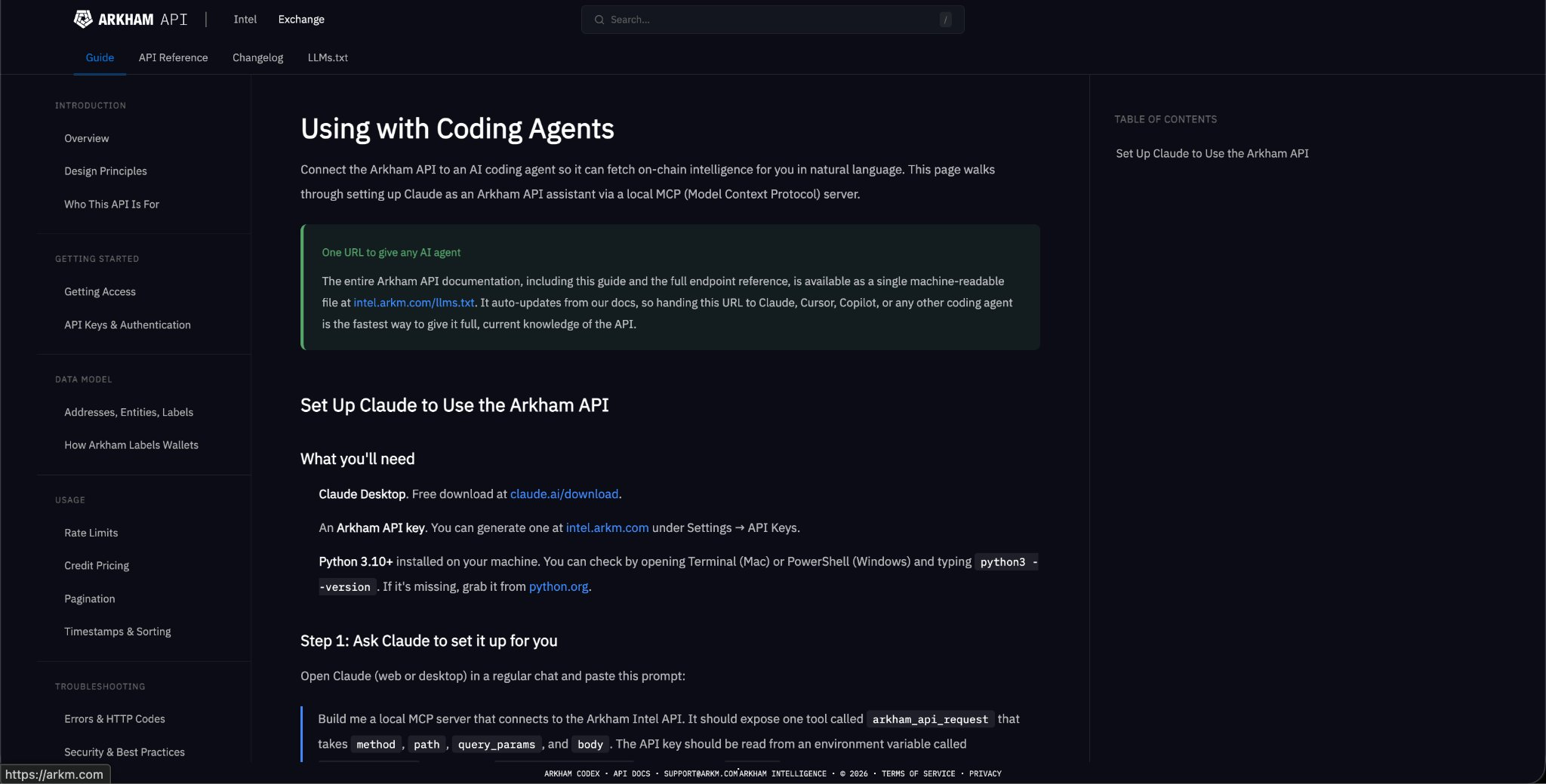
步骤 1:下载工具 下载 Claude Desktop(免费)并生成 Arkham API 密钥 http://在intel.arkm.com 的“设置/API 密钥”下。
[注:API 可通过应用程序获取 - 请阅读本帖末尾获取链接]
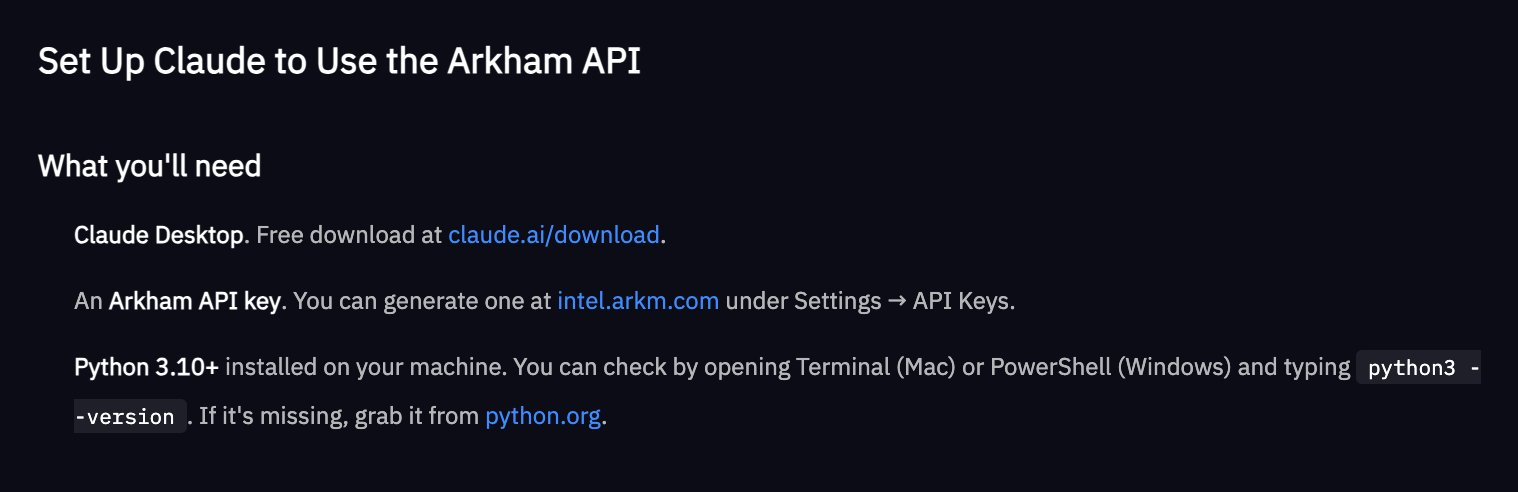
步骤 2:构建 MCP 服务器(Claude 会自动完成)打开 Claude,粘贴我们文档中的设置提示。Claude 将生成一个 Python 文件,并告诉您具体的保存位置。
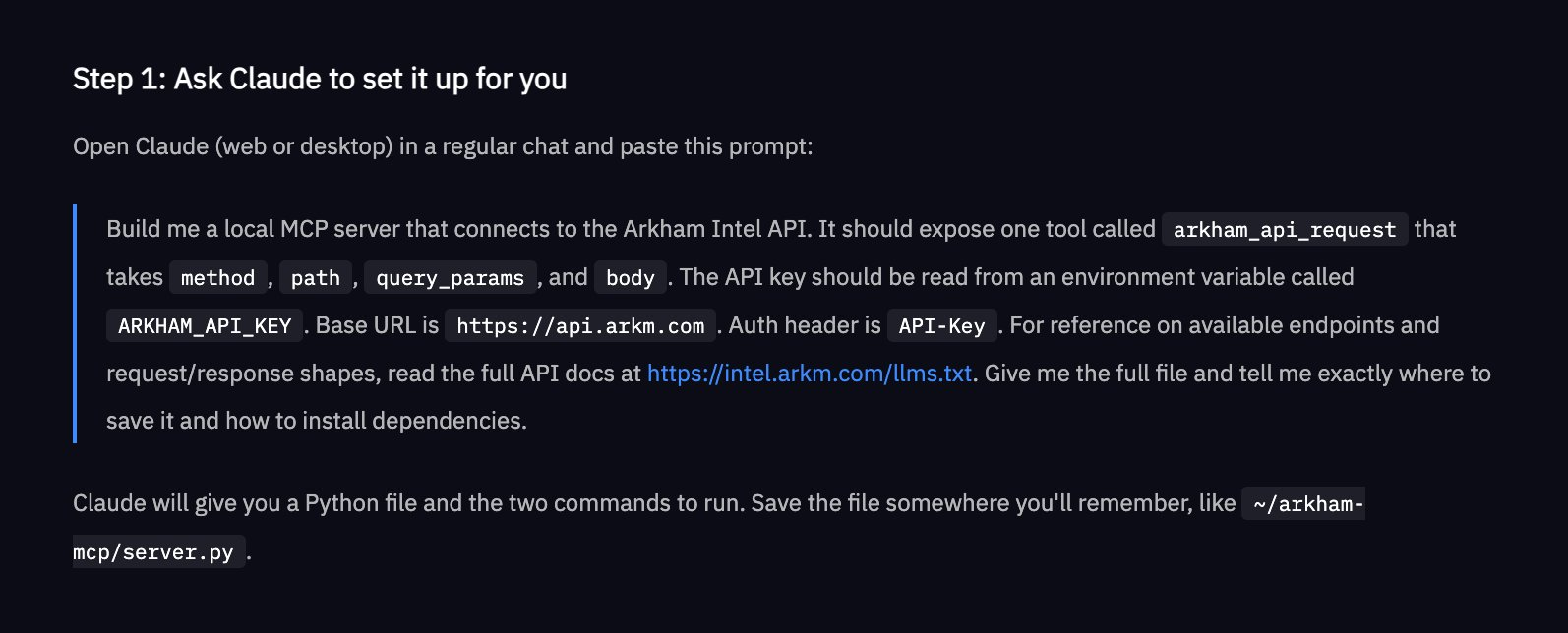
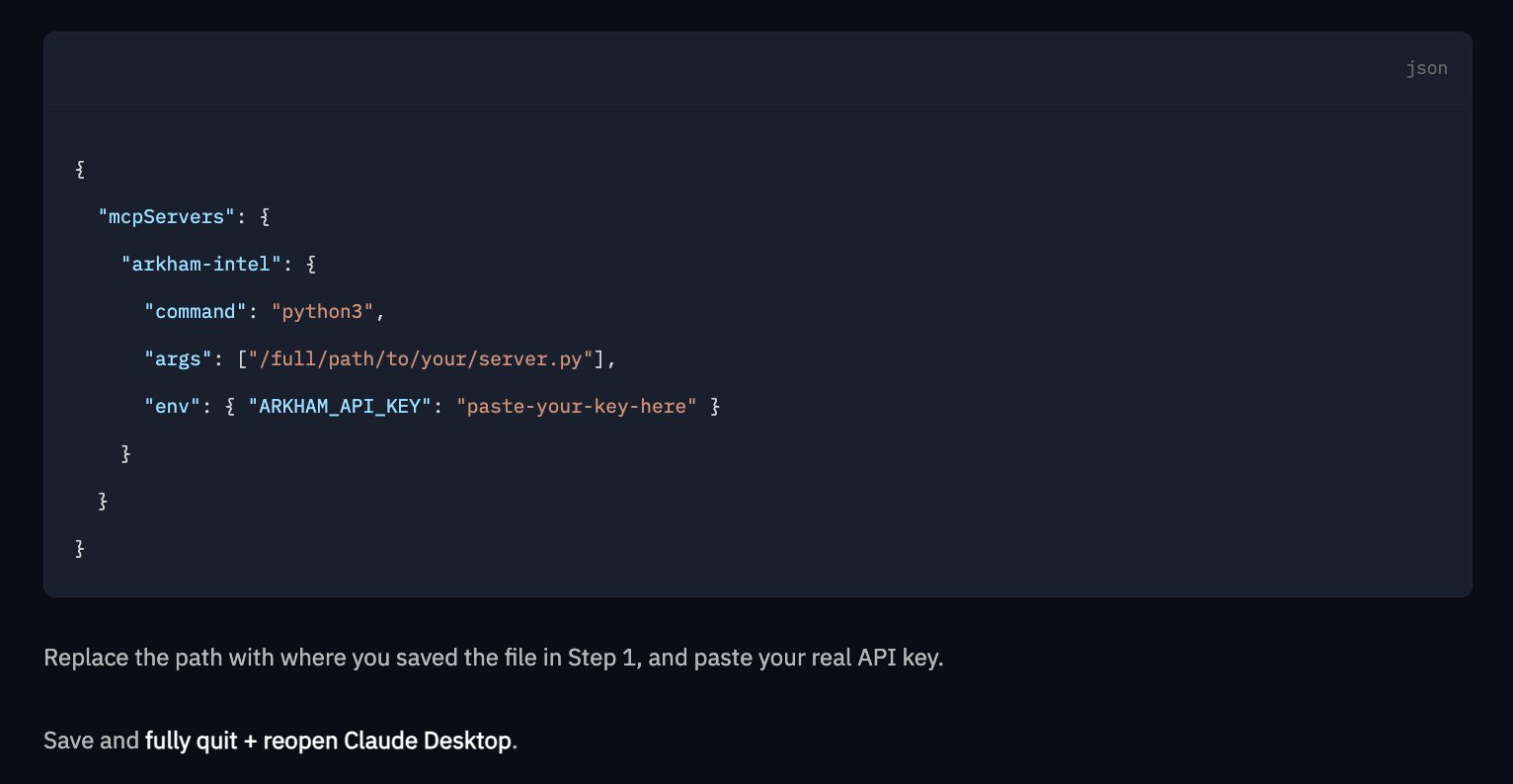
步骤 3:安装依赖项并将其连接到 Claude Desktop。在终端中运行以下命令:`pip install mcp requests`。然后,添加一个指向服务器文件和 API 密钥的简短 JSON 配置。保存、退出并重新打开。
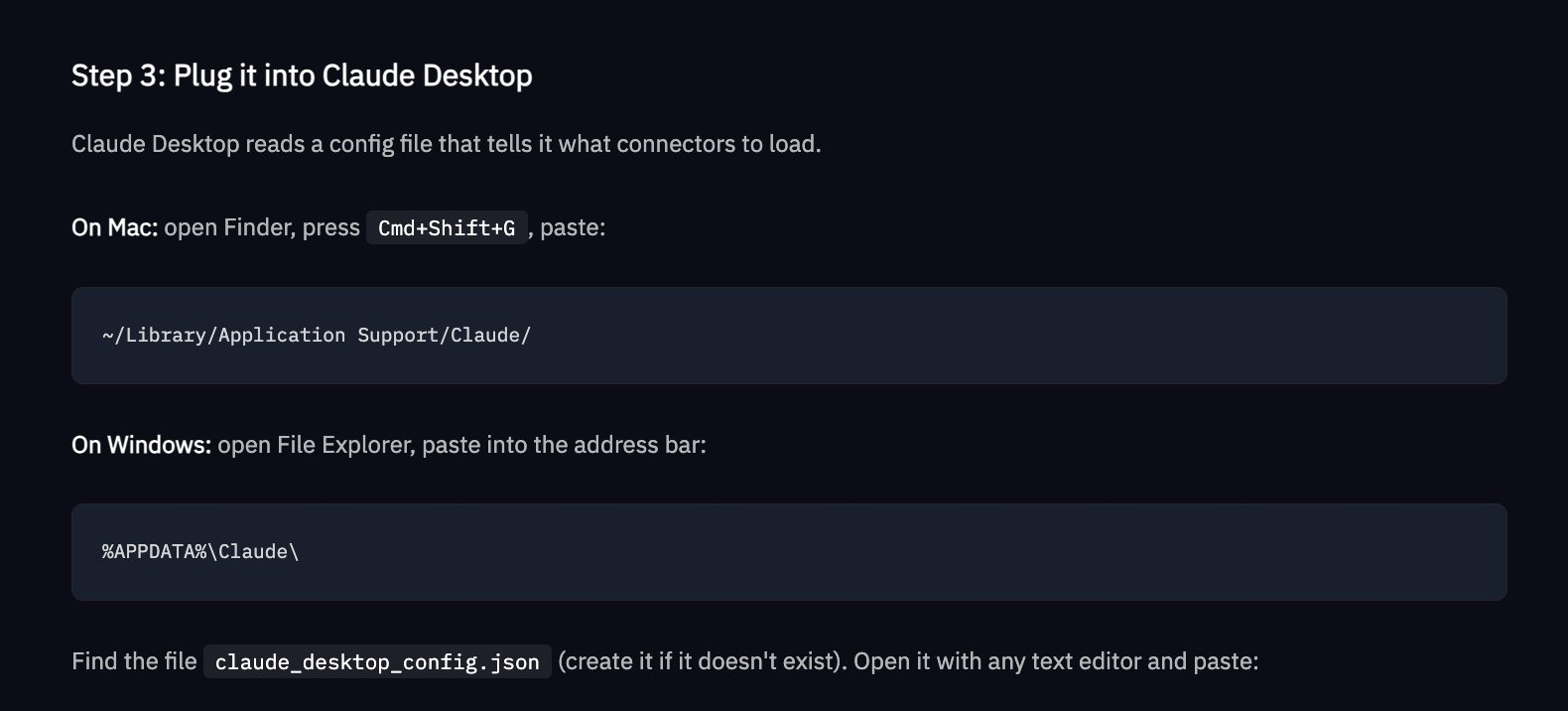
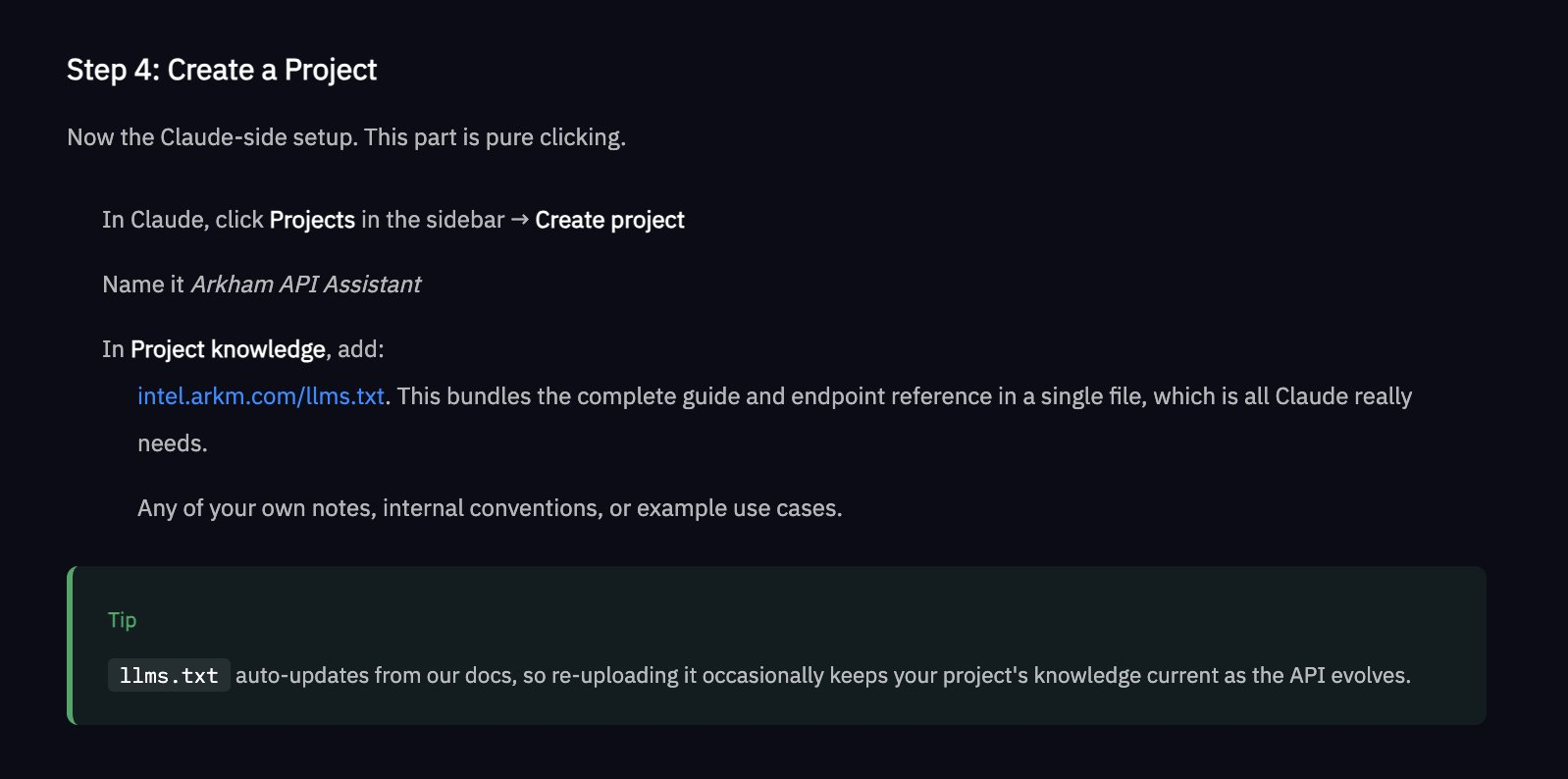
步骤 4:创建一个 Claude 项目,并将其命名为“Arkham API Assistant”。http://intel.arkm.com/llms.txt作为项目知识 - 这为 Claude 提供了一个 URL,其中包含了完整的、始终最新的 API 参考。
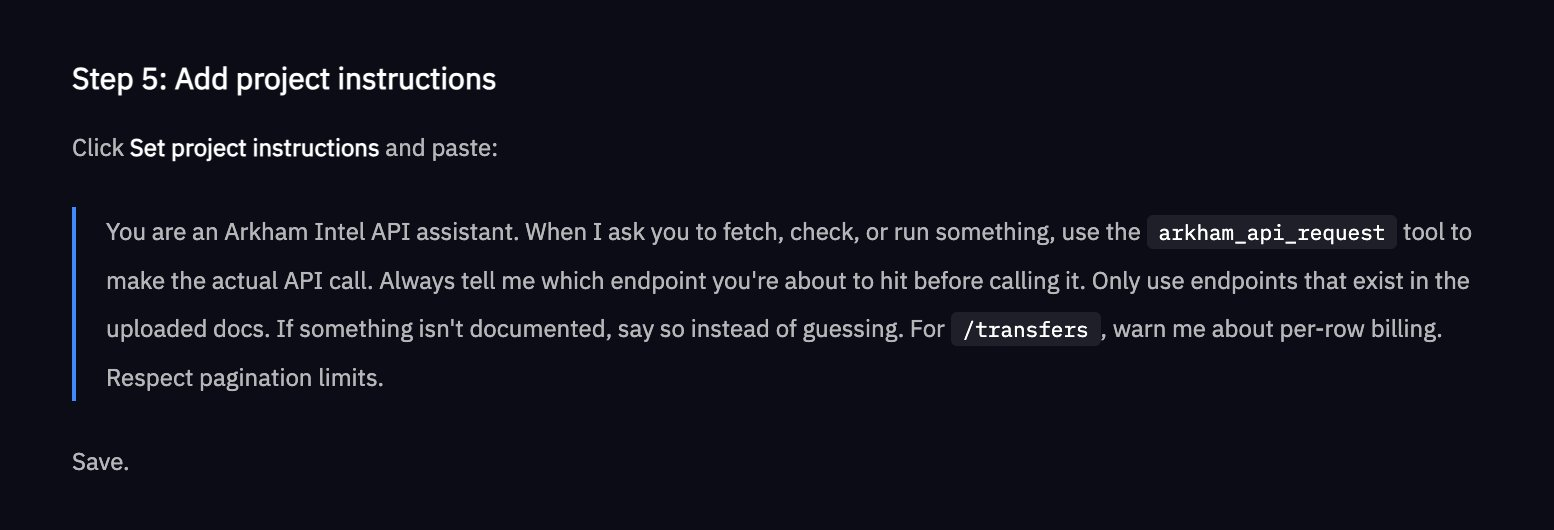
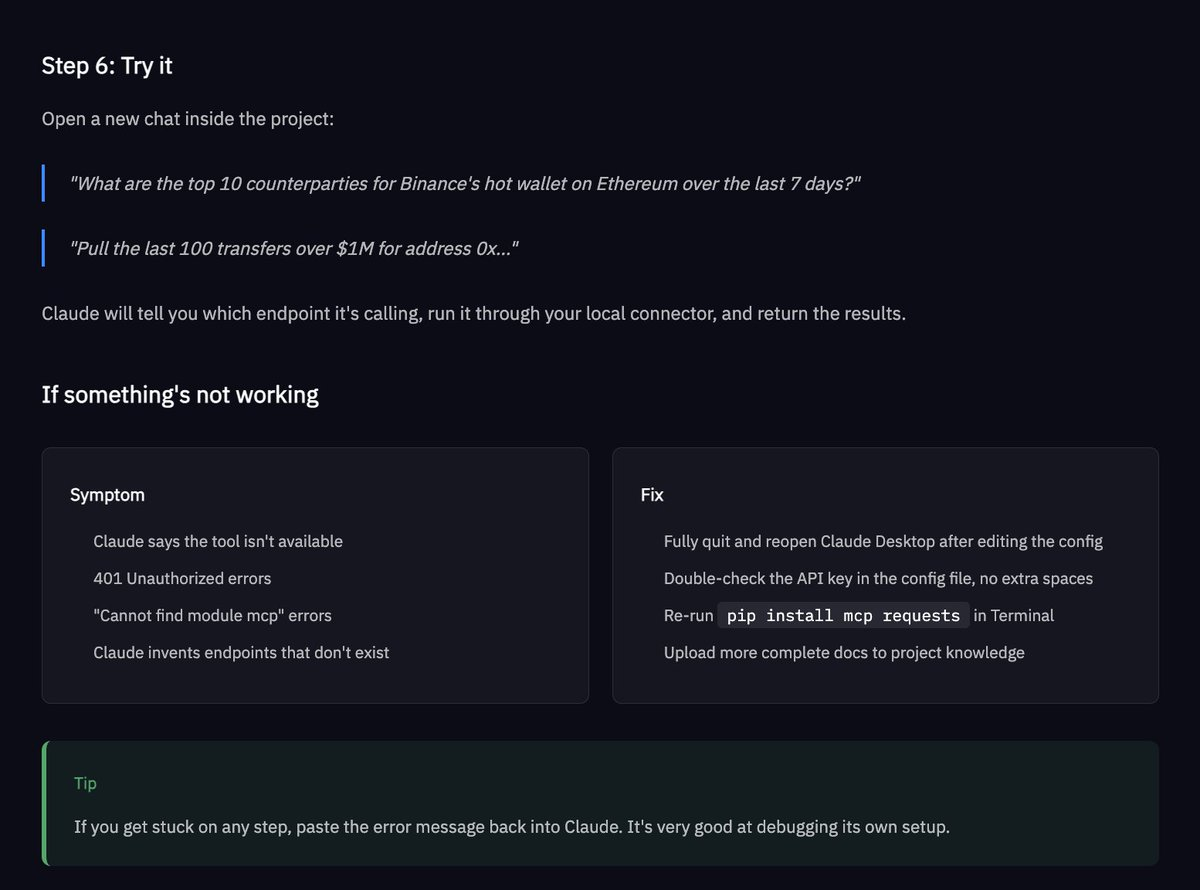
步骤 5:开始提问。问问 Claude 诸如“获取过去 7 天内币安以太坊热钱包交易量排名前 10 的交易对手”之类的问题。它会告诉你它正在访问哪个端点,发出实时 API 调用,并将结果直接返回到聊天窗口中。
可以使用 Arkham API 实现的功能示例
- 交易员:构建一个使用 Arkham 实体数据来指导交易启发式算法的交易机器人
- 合规:通过交易监控实现自动化欺诈检测
- KYC:将 Arkham 标签集成到您组织的系统中
完整的 Arkham API 文档也可以通过以下链接以单个机器可读文件的形式获取:http://intel.arkm.com/llms.txt,将此 URL 交给 Claude、Cursor、Copilot 或任何其他编码代理,以便立即提供有关 Arkham API 的上下文。
请在此注册 Arkham API 试用权限:https://intel.arkm.com/api?ref=apac
AI
Odaily 공식 커뮤니티에 가입하세요


추천 기사