




Novice Scroll zkEVM Interaction Guide


Original title: "Getting started with Scroll zkEVM"
Originally written by Gaurang (GT) Torvekar
Original compilation: MarsBit
This article aims to introduce beginners how to interact with L2 Dapps.
In this guide, I'll discuss how to get started with the Scroll zkEVM and how to interact with Ethereum L2 Dapps. In theory, the skills learned in this guide are transferable to any other Layer 2 network. In this article, I will use the Dapp I created to illustrate. This is an on-chain TicTacToe game, playable on the Scroll L2 network.
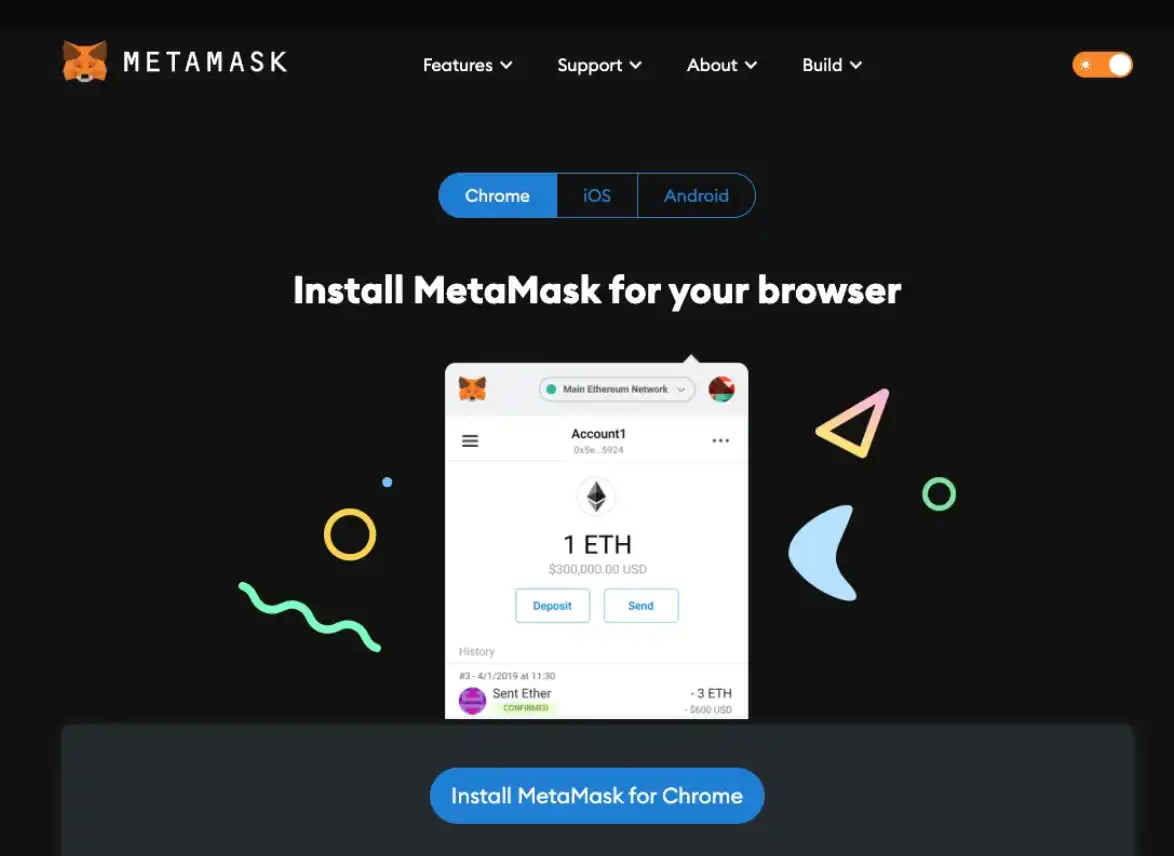
Getting Started - Install Metamask (or any similar wallet)
secondary title
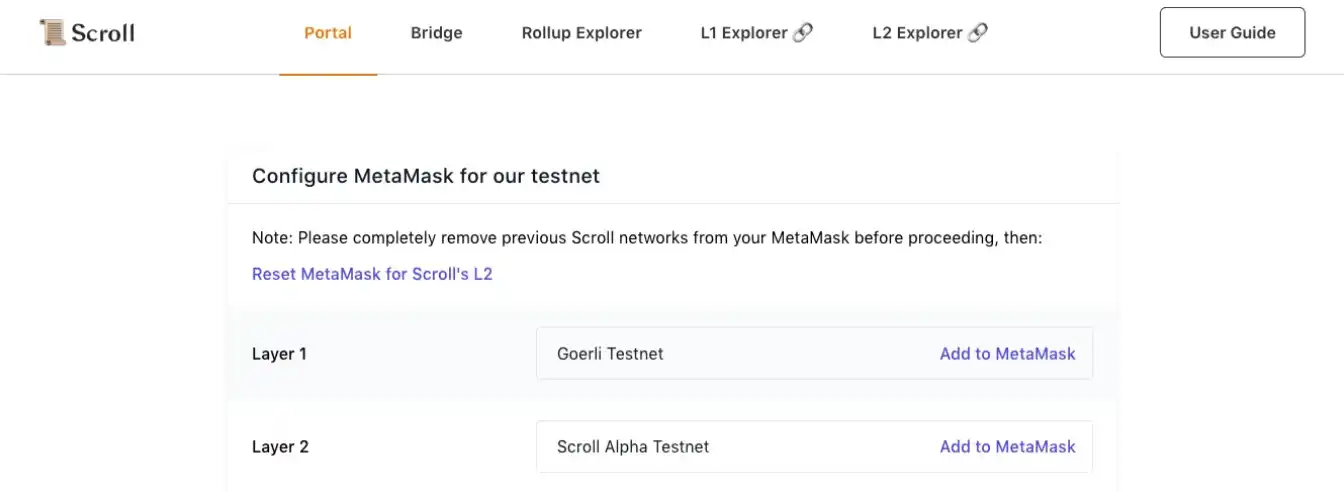
The first step - build Scroll L2 testnet and Goerli testnet
Currently, Scroll zkEVM has launched an alpha testnet. This is a Layer 2 network, compatible with EVM (Ethereum Virtual Machine). This means that any smart contract written on the Ethereum network can be deployed locally on Scroll zkEVM using the same set of tools. Scroll L2 alpha testnet currently"connect"To the Goerli testnet on Ethereum L1. This means that the Scroll L2 network sends batches of transactions to the Goerli L1 network to"Final confirmation"Safety"Safety", but achieves scalability because not every transaction needs to be published on the Ethereum network.
secondary title
Step 2 - Get some Goerli test ETH
After setting up the network in Metamask through the steps above, you have to get some Goerli ETH from the faucet.
You can use the following taps:
1. https://goerlifaucet.com/ — This faucet only gives 0.2 ETH at a time, you need to register/login to Alchemy to get tokens.
2. https://goerli-faucet.pk 910.de/ - This PoW (Proof of Work) faucet can give more ETH, because you need to keep the page open and "mine" some ETH. I like this faucet better than the first one.
3. https://faucet.paradigm.xyz/ - This faucet requires you to be logged in with Twitter. It takes you a while to get 0.1 ETH, so it's not very convenient.
You can use one of the above faucets, or a combination of all three.
secondary title
Step 3 - "Bridge" some ETH from Goerli to Scroll L2
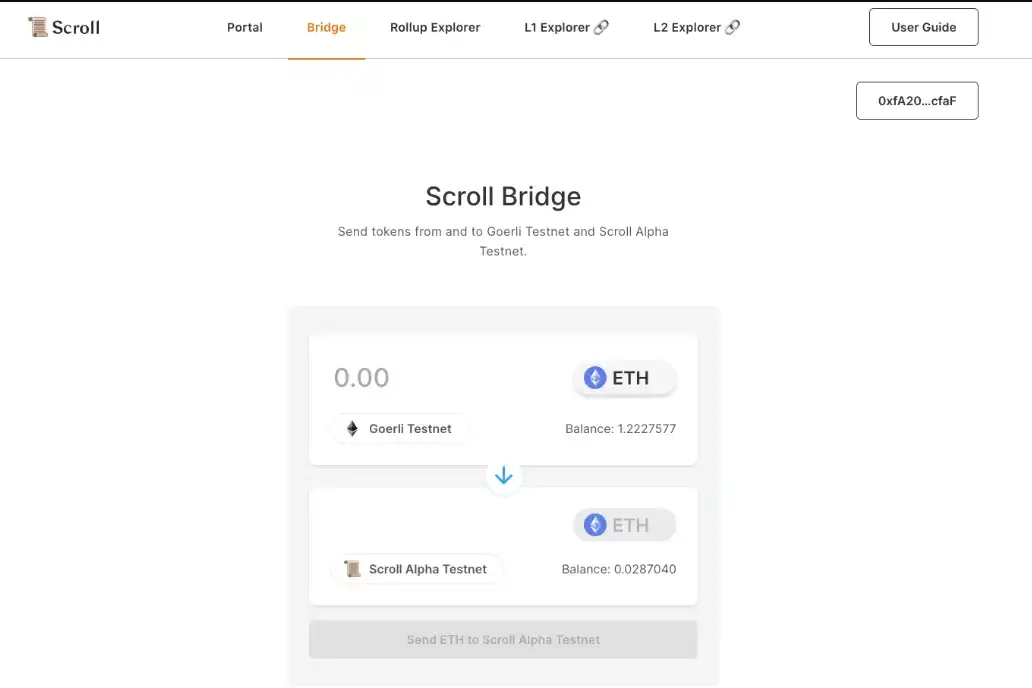
Now, the next step is to bridge some of the ETH accumulated in step 2 above to the Scroll L2 testnet. To do this, go to the bridge interface - https://scroll.io/alpha/bridge
Follow the instructions on the page to transfer some ETH to your address on the Scroll L2 testnet.
secondary title
Step 4 — Play the on-chain game Tictactoe
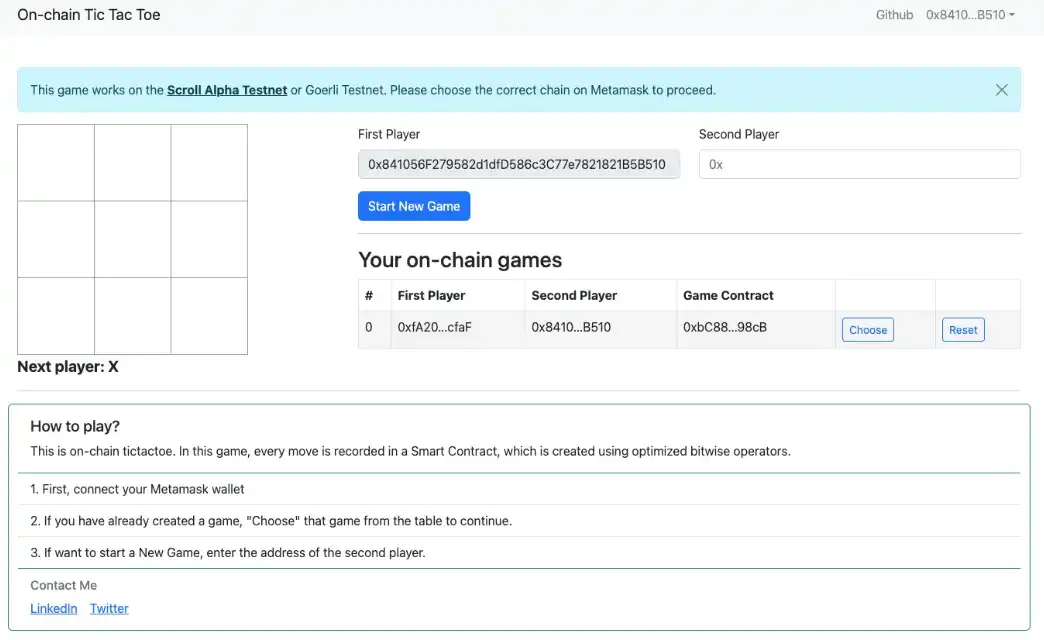
Check out the game at https://onchain-tictactoe.vercel.app/. Connect your wallet to this page and create a new game. Since this is a multiplayer game, you'll need to add your friends' addresses and even your second wallet as a second player.
Once you have created your first game, you will need to "select" the game from the table below, and then you can start playing Tictactoe on-chain.
There is also a fun element to this game! If you make a mistake on one of the steps, or don't want to lose the game, you can "reset" the game at any time.
secondary title
Step 5 (optional) - Check out other Dapps on Scroll L2
Original link